Rexing Dash Cam Review: Which Coverage Setup Fits?
A research-led Rexing dash cam guide comparing coverage layouts, storage, local app access, parking power, and practical trade-offs.
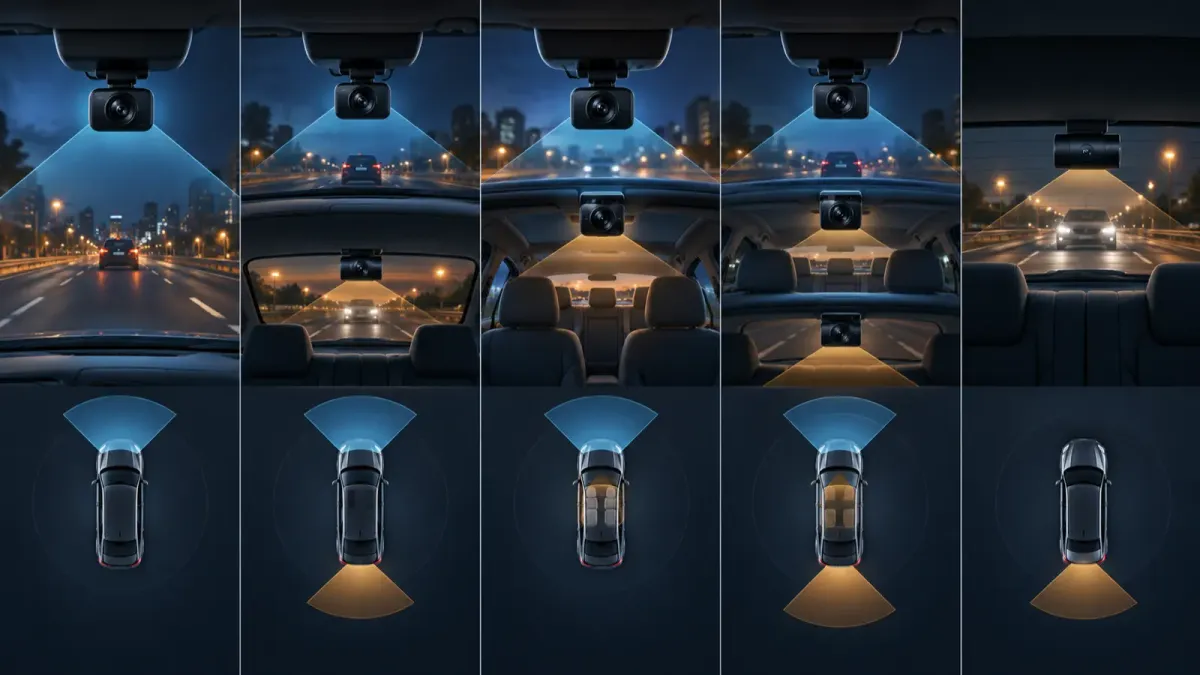
Rexing has documented dash cameras for front-only, front-and-rear, cabin, and three-channel coverage. The sensible choice starts with the view you need, then checks the exact model's storage, power, and app details. A product page can describe a feature, but it cannot decide whether that feature fits your vehicle or recording goal.
Which Rexing dash camera coverage setup fits your drive?
Choose front-only if you mainly need a record of what happens ahead. Choose front-and-rear if a rear impact or traffic behind you matters. A cabin view can help document the interior, but it raises privacy questions for passengers.
| Coverage setup | What it records | Best fit | Check before buying |
|---|---|---|---|
| Front only | Road ahead | Simple daily driving record | Mount, storage, and local app support |
| Front and rear | Road ahead and behind | Rear-impact context | Rear cable route and rear-window placement |
| Front and cabin | Road ahead and cabin | Interior context | Passenger privacy and cabin-lens placement |
| Three channel | Road, cabin, and rear | Broader coverage needs | Camera modules, wiring, and supported combinations |
Rexing's V1-4K page documents a front-only camera with 4K recording, Wi-Fi, loop recording, a supercapacitor, and up to 512 GB storage. That makes it a starting point for a driver who wants a single forward view, not a universal recommendation.
What does a front-only Rexing setup provide?
A front-only setup keeps installation simpler because there is no rear cable to route. It still needs a safe windshield position, a suitable memory card, and a method for checking saved clips.
Rexing lists a 2.4-inch screen and a 170-degree lens for the V1-4K. It also lists a supercapacitor and mobile-app support. Those are manufacturer specifications, so judge the camera by its documented fit rather than assuming every Rexing model shares them.
When does a front-and-rear Rexing dash cam make more sense?
Front-and-rear coverage makes sense when you want footage from both directions. It also adds installation work because the rear cable must reach the rear glass without interfering with trim, airbags, or visibility.
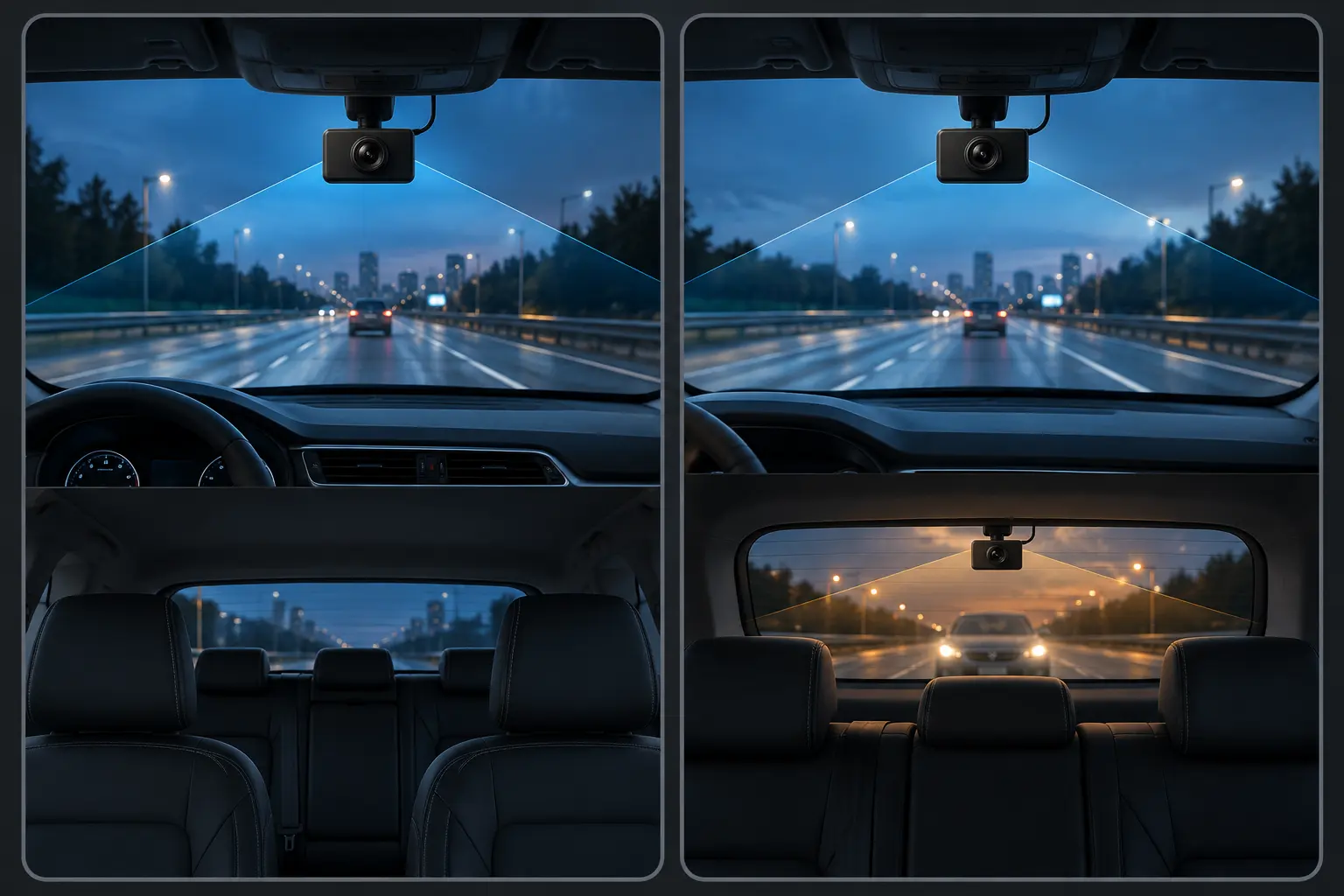
The V1P-4K product page lists 4K front plus 1080p rear recording. It also lists a rear camera and an 18-foot rear extension cable in the package contents. Confirm the cable path and rear-window fit in your own vehicle before treating that arrangement as easy.
A second camera broadens coverage. It does not remove the need to check framing and saved files after installation.
What does the V1P Max add for a two-channel buyer?
The V1P Max is a documented two-channel option for drivers who want built-in GPS and local phone access. Rexing lists 3840 by 2160 front video, 1920 by 1080 rear video, Wi-Fi, GPS, and app access.
Its page also lists cards up to 256 GB. That differs from the V1P-4K page's 512 GB claim. Match the card to the exact camera instead of carrying a capacity claim from one Rexing model to another.
Who should consider cabin or three-channel coverage?
Cabin coverage serves a specific purpose. It can document events inside the vehicle, but it may capture passengers and conversations. Check local privacy and audio rules before enabling any interior recording features.
Rexing's V5C listing documents 4K front and 1080p cabin recording. It also describes optional camera modules that can create a three-channel arrangement. Verify the exact module, mount position, and supported combination before ordering accessories.
How do Rexing app access, GPS, and file retrieval work?
Rexing calls its consumer dash camera app Rexing Connect. Wi-Fi on a camera is normally for nearby phone access, not proof that the camera has internet or remote cloud access.
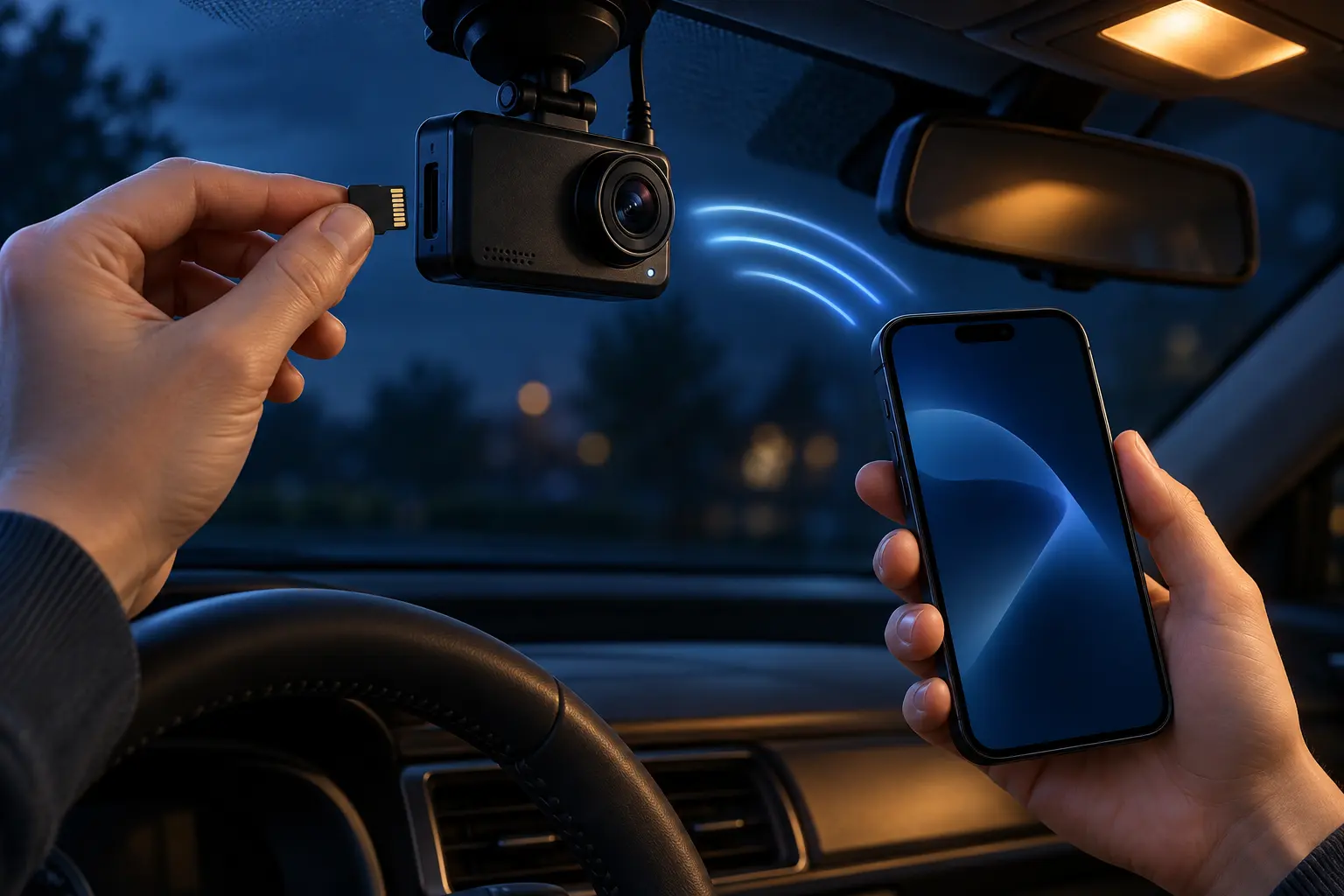
The company's app page identifies Rexing Connect for dash cams and action cameras. The V1P support page says recordings can be viewed in the camera, through a card reader, or over USB. It also says the camera's format function should be used for the card.
What memory card should you plan for?
Use the card specification for the model you are actually considering. Rexing's V1P support page specifies Class 10 or UHS-I storage and up to 256 GB for that V1P. Other models list different capacities.
- Format a new card in the camera when the model instructions say to do so.
- Confirm every camera channel creates files after installation.
- Review a short clip before depending on the setup.
What should you know about Rexing parking mode and power?
Parking recording needs a compatible camera, the selected parking feature, and a power path that continues after the vehicle is off. A camera's ordinary accessory-socket cable may stop working when the vehicle turns off.
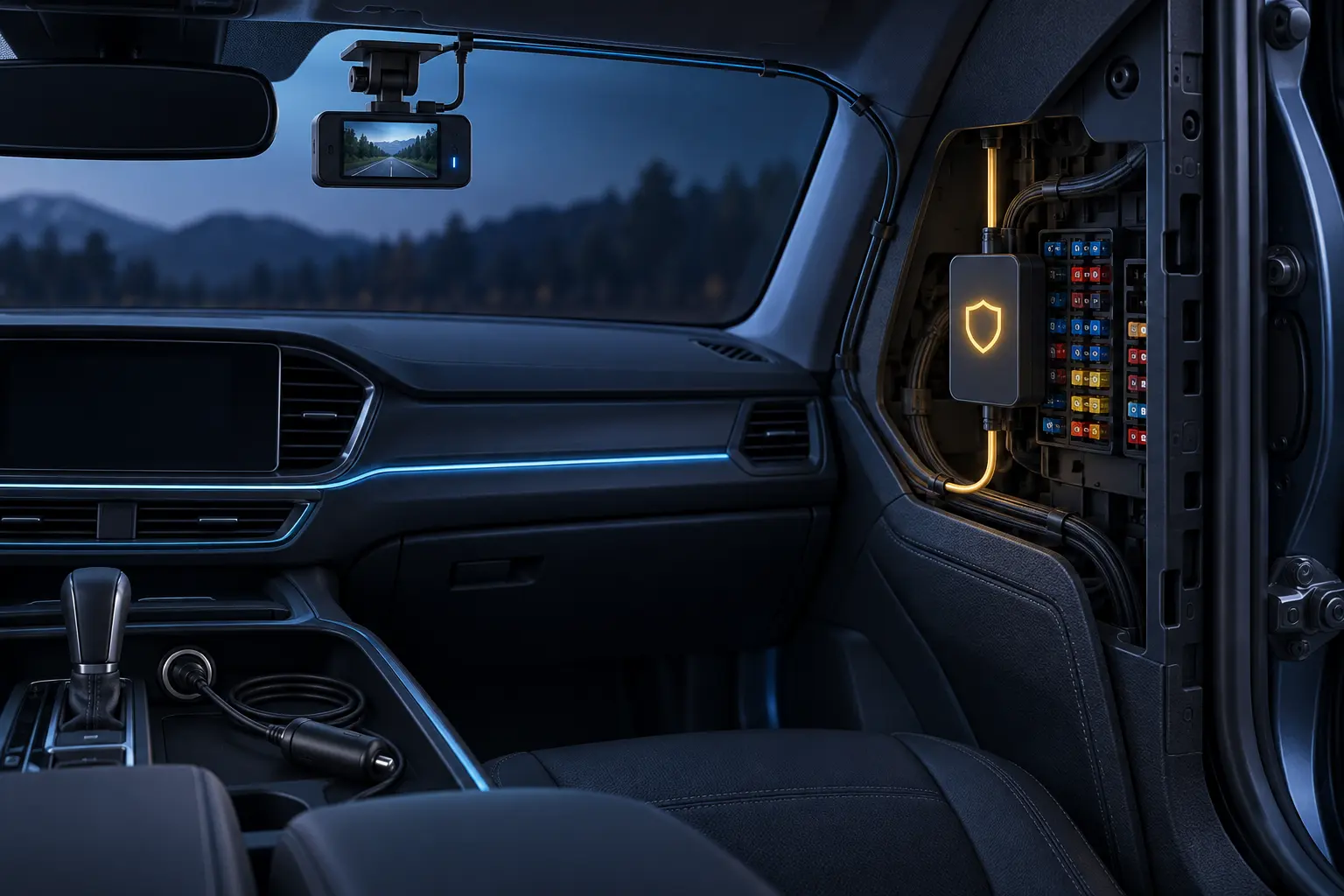
The V1P-4K page says its parking functions need the smart hardwire kit. Do not treat that as an instruction for every vehicle. A vehicle-specific installation still needs careful fuse selection, protected wiring, and verification after setup.
What support terms should you confirm before ordering?
Support terms are part of the decision, especially for a camera that may need an accessory or a model-specific firmware update. Keep the receipt and verify the seller is authorized.
Rexing's support page states a 60-day return policy and 12-month malfunction warranty for eligible dash cams. It says registration can extend the warranty to 18 months. The same page lists exclusions, so read the current terms before relying on coverage.
A practical Rexing selection checklist
- Decide whether you need front, rear, cabin, or three-channel coverage.
- Confirm recording resolution and storage support on the exact product page.
- Plan the rear cable route before selecting a dual-camera model.
- Treat local Wi-Fi as nearby file access unless the model documents something more.
- Match parking recording to a compatible, protected power setup.
- Test every channel and save a short sample after installation.
Rexing's range is easier to compare when coverage comes first. Once you know which views matter, the exact product page can confirm the recording, storage, accessory, and support details that shape the real setup.