Best SD Card for Dash Cam: Three Endurance Options to Consider
Choose an endurance microSD card your dash cam supports. Compare three options and learn how to check capacity, speed, recorded files, and replacement needs.
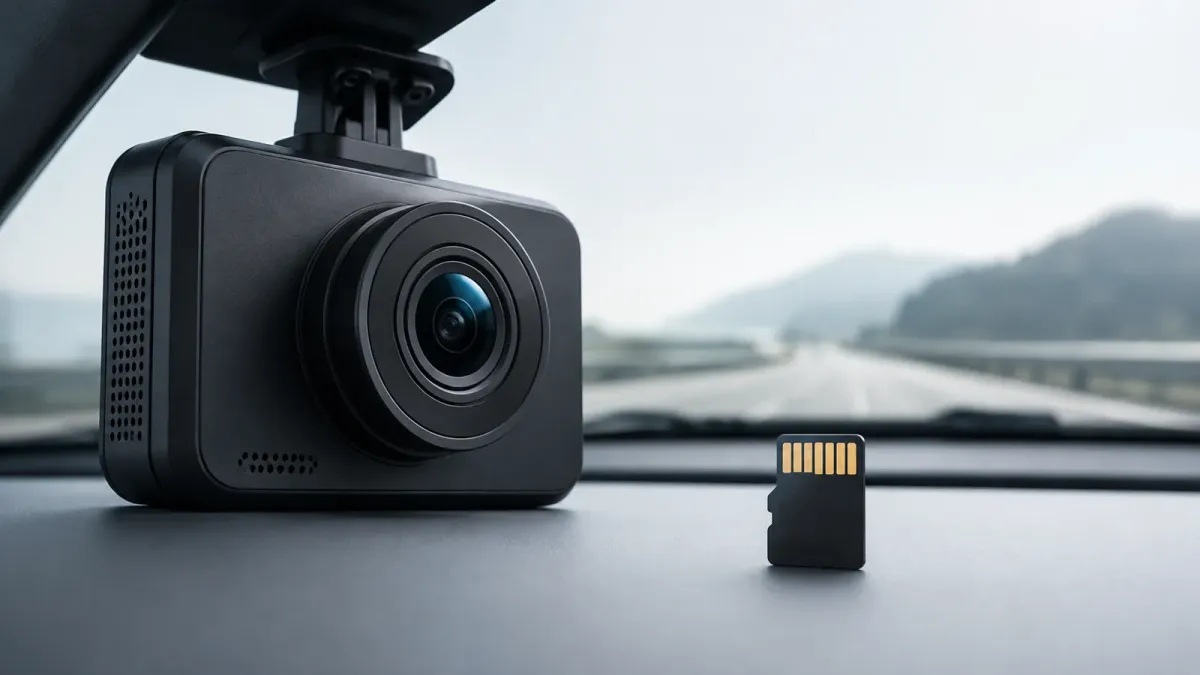
The best SD card for a dash cam is an endurance microSD card approved for that exact camera. For VIOFO, start with its own cards or SanDisk MAX Endurance.
Samsung PRO Endurance is another option when your camera supports it. Match capacity and speed requirements before comparing advertised lifetime hours.
I would choose compatibility first, recording endurance second, and capacity third. This shortlist uses manufacturer documentation, not hands-on testing or a measured reliability ranking.
Which microSD cards do dash cam manufacturers recommend?
Your camera's supported-card list is the starting point. A card can meet the advertised speed requirement yet remain a poor choice for a particular camera.
VIOFO's dedicated guidance recommends VIOFO original cards and SanDisk MAX Endurance. That recommendation should take priority over a generic list declaring another card best overall.
Check these details before ordering:
- The full camera model, including its front, rear, or cabin configuration.
- The recommended card family and any listed exclusions.
- Supported capacities and the required speed class.
- Any firmware notes affecting card compatibility.
Keep the exact product name in view. MAX Endurance, High Endurance, and Extreme are distinct SanDisk product families. A familiar brand name alone does not identify the recommended card.
If your camera manufacturer specifies its own card, ask support before substituting another model. That is especially useful when diagnosing recording failures under warranty.
Why does a dash cam need an endurance card?
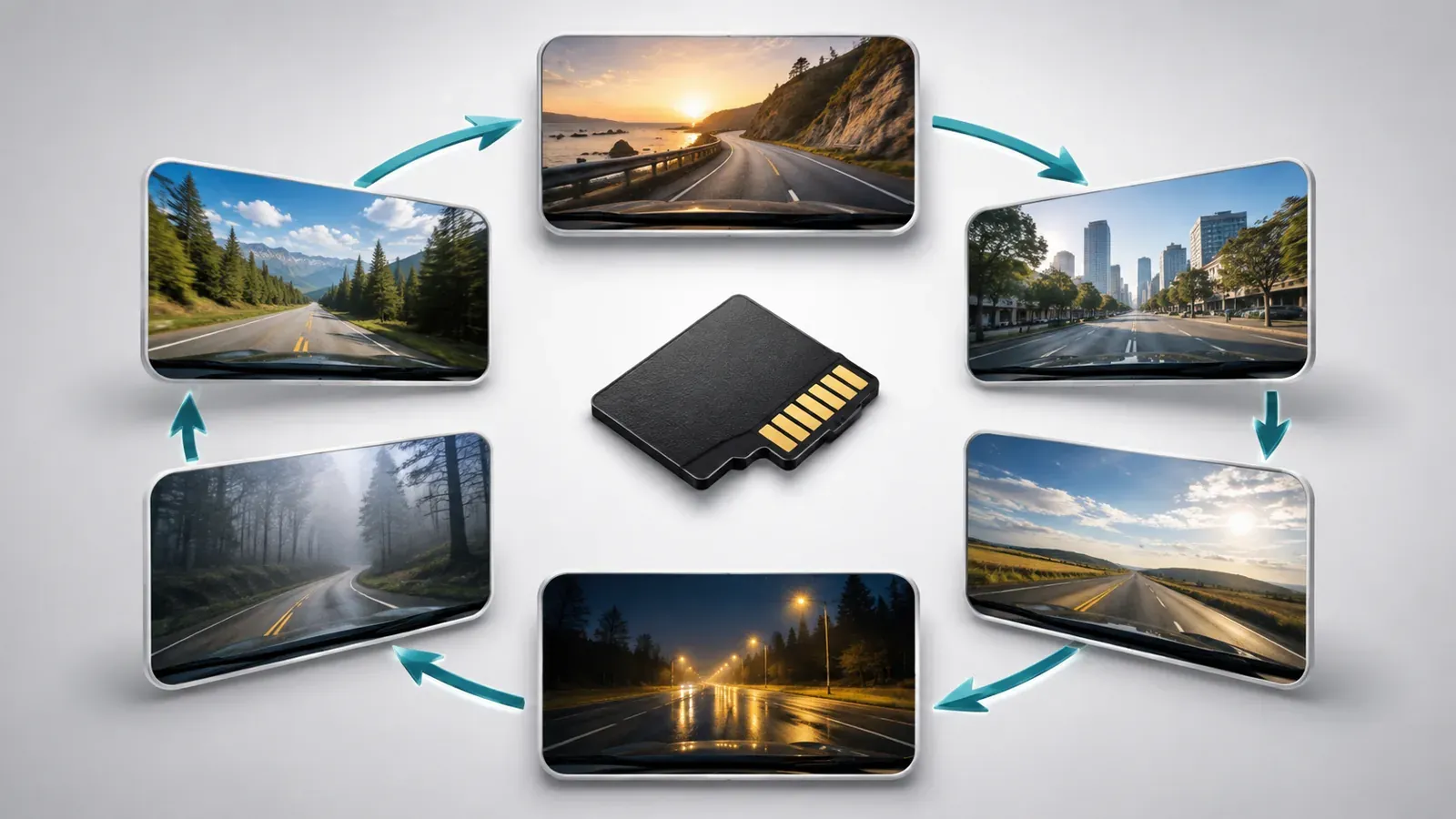
Dash cams repeatedly write footage and overwrite older recordings. Endurance cards are designed for this sustained recording workload.
Loop recording is what keeps ordinary driving footage rolling through the available storage. It also means the card is doing repeated work whenever the camera records.
A fast card intended for occasional transfers does not automatically suit continuous recording. Read speed, write speed, and endurance describe different things.
| Attribute | What it helps you judge |
|---|---|
| Read speed | How quickly recordings can transfer to another device |
| Sustained write performance | Whether the card can keep accepting the camera's video stream |
| Endurance | Suitability for repeated recording and overwriting |
| Capacity | How much footage can remain before eligible recordings are overwritten |
Treat a lifetime recording claim separately from storage capacity. A card rated for many years of cumulative recording cannot retain all those years of footage simultaneously.
Parking recording also belongs in your storage plan. Check whether your camera saves continuously, uses time-lapse, or stores triggered events while parked.
How do the three endurance options compare?
SanDisk MAX Endurance and VIOFO cards are the straightforward starting points for VIOFO owners. Samsung PRO Endurance deserves consideration where the camera maker permits it.
| Card family | When I would consider it | Main limitation |
|---|---|---|
| SanDisk MAX Endurance | A compatible camera, including VIOFO models following its recommended-card guidance | Check the exact capacity against your camera |
| VIOFO Industrial Grade | A VIOFO owner wanting the manufacturer's own recommended option | Branding does not establish a universal lifespan or compatibility guarantee |
| Samsung PRO Endurance | A compatible camera whose guidance permits this family | Speed class varies by capacity; do not substitute it against camera guidance |
SanDisk MAX Endurance: a practical VIOFO-compatible starting point
SanDisk MAX Endurance combines a continuous-recording design with a specific recommendation from VIOFO. I would put it on a VIOFO shortlist before considering an unsupported alternative.
The range includes 32GB, 64GB, 128GB, and 256GB capacities with U3 and V30 ratings. Choose only a capacity your camera supports.
Its 256GB endurance claim reaches 120,000 hours of Full HD recording. SanDisk states that total endurance hours are lower for 4K recording.
That claim describes cumulative use, not a guaranteed replacement date. Skip this option if the camera's documentation excludes it or requires another card.
VIOFO Industrial Grade: the manufacturer's own option
VIOFO's card is worth considering when you want to follow its recommendation directly. It also keeps the camera and card support conversation with one manufacturer.
The 256GB Industrial Grade model carries U3, A2, and V30 ratings. Check the product's compatibility information against your camera before buying.
I found no comparable cumulative recording-hours specification on the reviewed product page. I would not rank its lifespan above SanDisk or Samsung without equivalent evidence.
For another camera brand, verify support first. A card sold by a dash cam manufacturer is not automatically approved for every dash cam.
Samsung PRO Endurance: conditional on camera support
Samsung PRO Endurance is designed for recording devices, including dash cams. The capacity-specific ratings matter when choosing a version.
The 128GB and 256GB versions are U3/V30; the 32GB and 64GB versions are U1/V10. Do not assume the smaller version has the same speed class as the larger one.
Samsung's 256GB model claims up to 140,160 recording hours using Full HD video at 26Mbps. This laboratory-based endurance figure does not establish performance in your particular camera.
I would choose it only after confirming model support. For a VIOFO purchase, the manufacturer's narrower recommendation above is the better starting point.
What do U3 and V30 mean for dash cam cards?
U3 and V30 each identify a minimum sequential write performance of 30MB/s under their respective standards. They do not measure endurance or establish camera compatibility by themselves.
The SD Association's speed-class explanation distinguishes UHS and Video Speed Classes. Match the symbol required by your camera, alongside its supported interface and card family.
| Marking | Meaning for selection |
|---|---|
| U1 | Minimum sequential write speed of 10MB/s under the UHS Speed Class standard |
| U3 | Minimum sequential write speed of 30MB/s under the UHS Speed Class standard |
| V30 | Minimum sequential write speed of 30MB/s under the Video Speed Class standard |
The host and card must use a suitable matching class. Equal numbers across different classification systems do not remove that requirement.
Do not shop by the largest read-speed number on the packaging. The camera needs reliable writing, while your card reader determines part of the transfer experience afterward.
How much SD card capacity does a dash cam need?
Choose a supported capacity that retains enough footage for your driving and retrieval habits. There is no single card size that fits every camera.
For a compatible modern setup, I would compare 128GB and 256GB options first. Check the manual before treating either as a suitable purchase.
A larger supported card generally gives you a longer window before older footage disappears. However, capacity alone cannot tell you how many hours remain available.
Retention depends on:
- The combined bitrate of all recording channels.
- Resolution and recording-quality settings.
- Parking recording mode and duration.
- Space reserved for protected files or other recording categories.
VIOFO publishes model-specific bitrate information for estimating recording time. A runtime quoted for one camera configuration should not be transferred to another.
For long trips, plan how you will save important clips before they rotate out. A larger card extends the retrieval window; a separate backup preserves footage you intend to keep.
How should you format and check a new dash cam card?
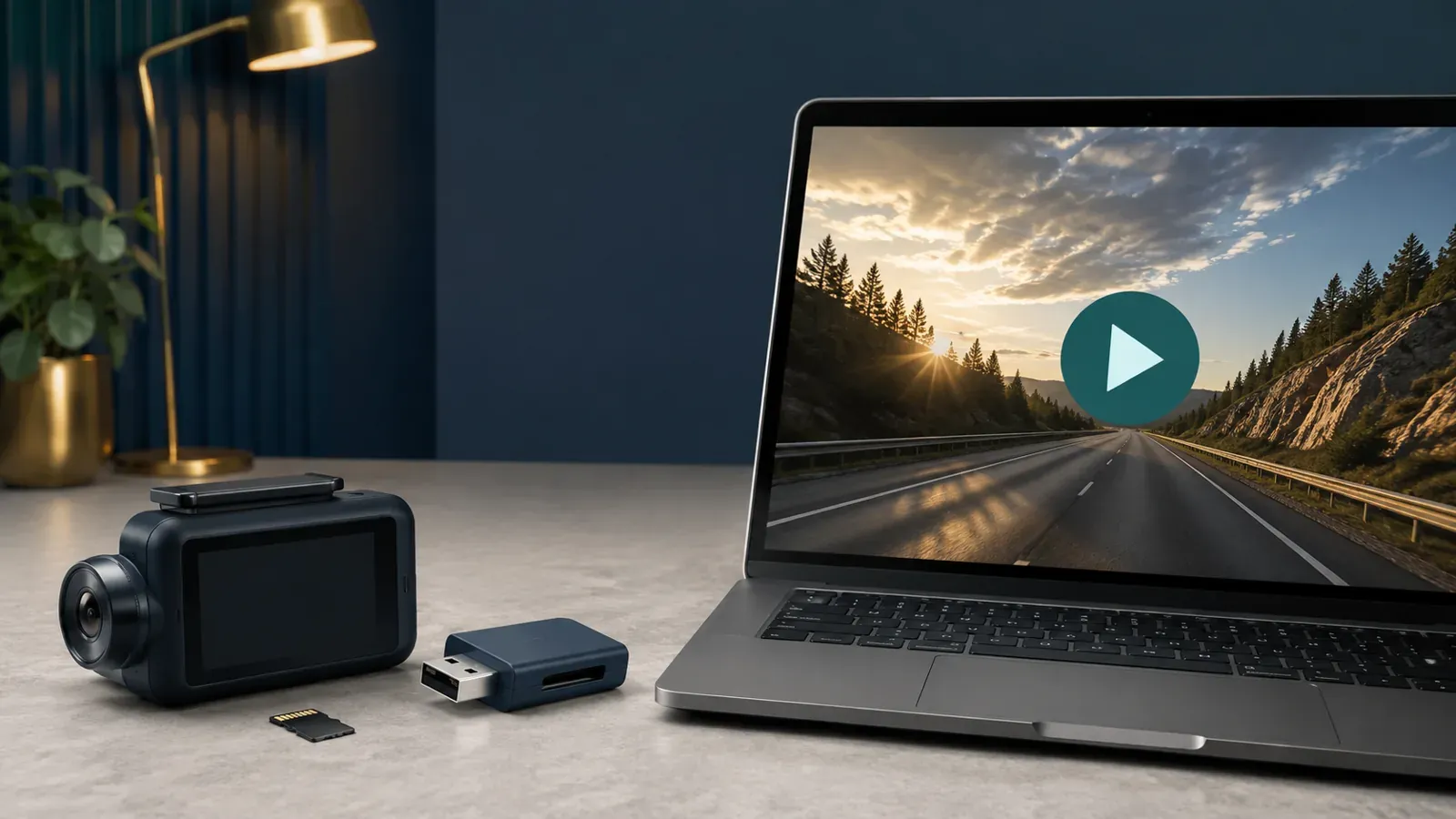
Follow the camera's formatting instructions, then verify that its recordings actually play. A recording indicator alone is not enough to confirm useful footage was saved.
- Save any footage already on the card to another device.
- Follow the manual's power-off and insertion procedure.
- Format the card using the camera's prescribed method.
- Record a short sample with your intended camera channels and settings.
- Stop recording as instructed, then open the saved files through the app or a card reader.
- Check each channel for playable video, expected timestamps, and missing segments.
Formatting erases recordings. Copy important files first, including protected clips you want to retain.
VIOFO's dedicated support guide recommends formatting at least monthly, with more frequent attention for heavy use. Follow your own camera's schedule rather than applying that interval to every brand.
If you suspect a faulty card, VIOFO documents a write-and-verify check using H2testw. Back up the card and select the correct drive before running a storage test.
Passing a computer test is useful evidence, but it does not prove long-term camera compatibility. Repeat the practical playback check after installing the card in your dash cam.
When should a dash cam memory card be replaced?
Replace a card when the camera reports degradation or recording problems persist after the manufacturer's troubleshooting procedure. There is no universal replacement interval supported by the sources reviewed here.
Garmin explains that repeated overwriting wears cards and may require periodic replacement. It also recommends buying from a reputable vendor.
Take recurring errors seriously. Preserve recoverable footage, check card compatibility, and follow the camera's formatting guidance before deciding whether replacement is necessary.
VIOFO advises replacing the card with a recommended model when errors persist after formatting. Its guidance also distinguishes card errors from a full card caused by disabled loop recording.
Keep the purchase receipt and inspect recordings periodically. A working camera and a suitable endurance card still need a reliable process for saving footage that matters.