How to Preserve Dash Cam Footage After an Accident: A Practical Evidence Guide
Protect the original dash cam files, make verified copies, preserve every relevant camera view, and document each transfer after a crash.
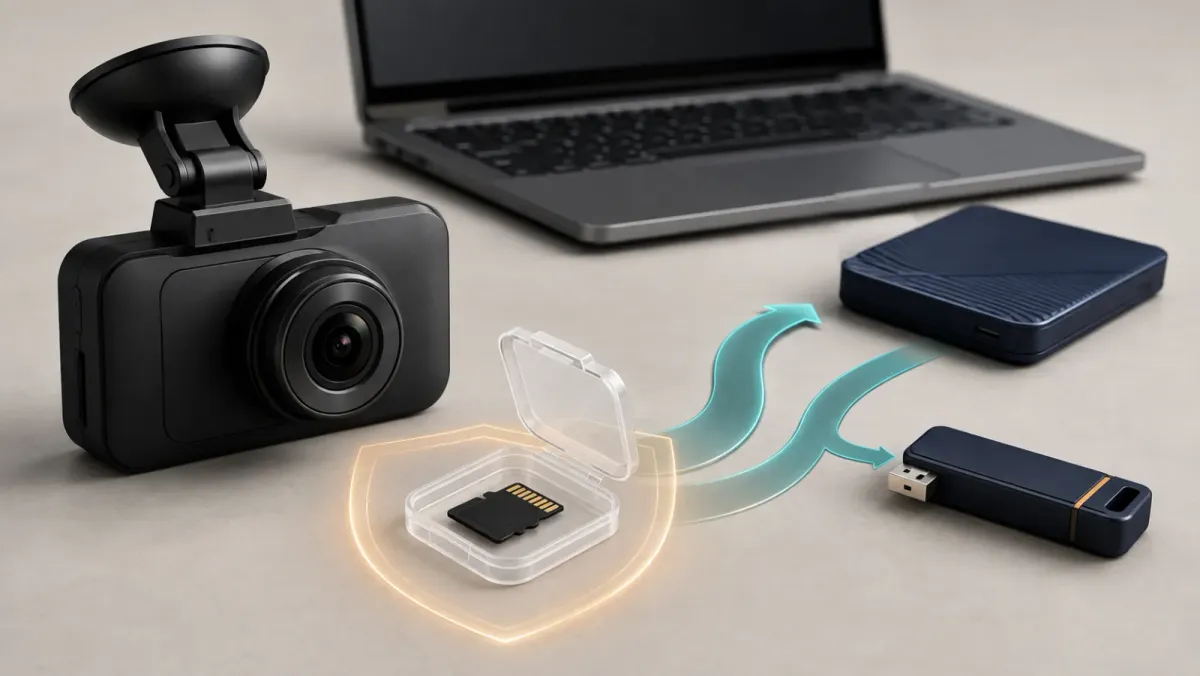
Protect the recording as soon as immediate safety needs allow. Save the event, stop the camera safely, copy native files, and document each transfer. Keep the original media unchanged, including every relevant camera view and nearby clip, for later independent review.
This guide provides general preservation information, not legal advice. Follow emergency instructions and current requirements for the place where the crash occurred.
What should you do first after the accident?
Deal with injuries, traffic hazards, and required emergency calls before handling a camera. Move only when authorities or safety conditions require it.
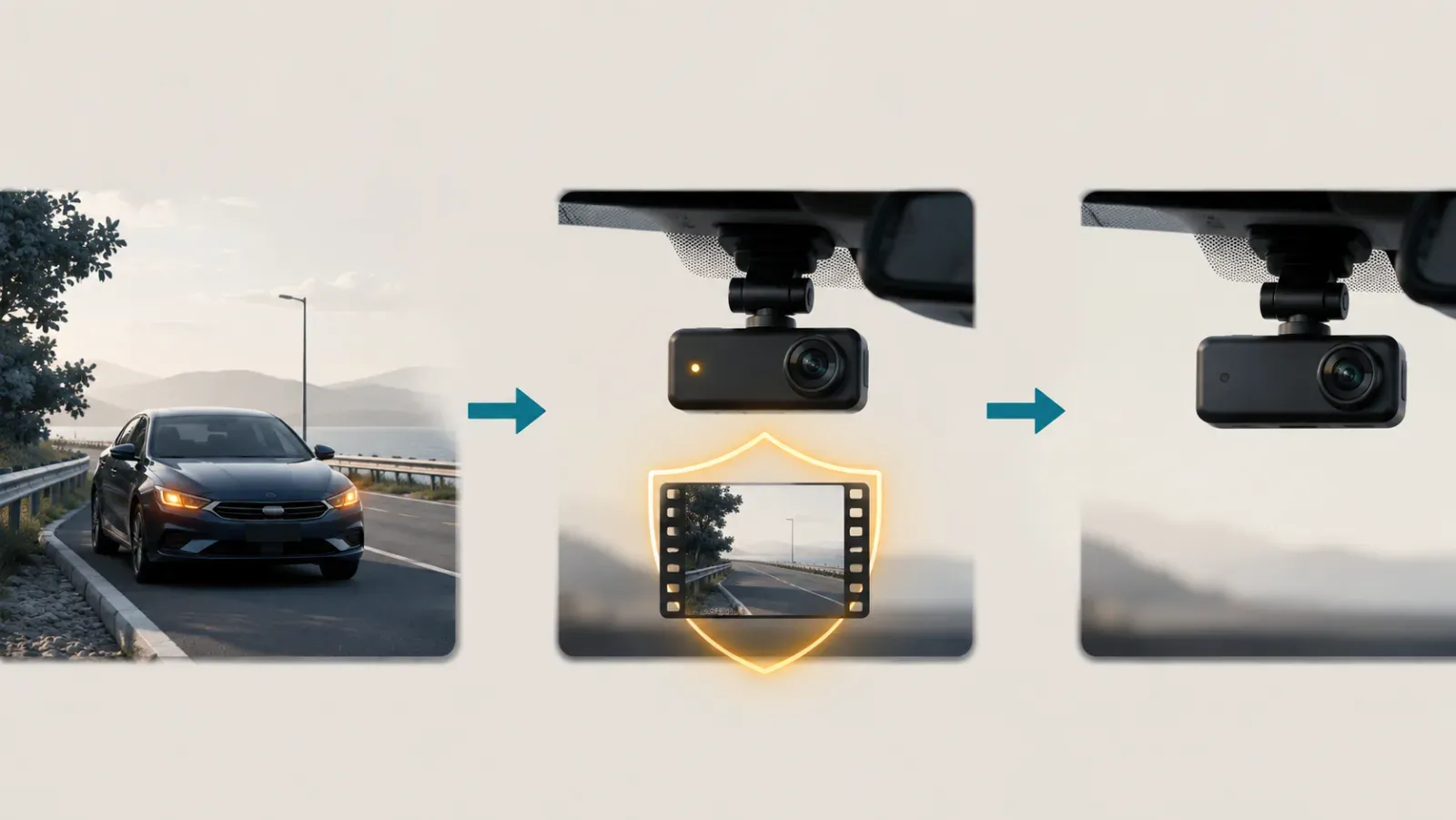
When safe, press the camera's documented save or protect control. Do not assume the impact sensor already captured everything.
Cobra explains that emergency recording can be triggered automatically or manually. The function protects the current clip from ordinary loop overwriting.
Next, stop further recording through the model's normal shutdown method. A powered camera may continue replacing eligible video as storage fills.
Garmin states that a full card deletes the oldest unsaved video. Some models also delete unsaved video when powered off under specific settings.
Record the approximate crash time, time zone, location, and camera status. Photograph the installed camera and its indicator before changing anything, when practical.
First priority: protect people and the scene. Preserve footage only when handling the camera is safe and lawful.
How do you protect the right clip without losing context?
Save the event clip and nearby segments from every available camera channel. The moment of contact may sit near a file boundary.
Garmin's Dash Cam Live example saves 15 seconds before and 15 seconds after a detected incident. Other cameras use different windows and folder rules.
Automatic event detection is helpful, but it is not infallible. Tesla warns drivers not to rely on automatic capture for every safety-critical event.
Preserve a wider sequence when storage allows. Include the approach, collision, vehicle rest positions, nearby traffic, and the immediate aftermath.
Do not save only a shortened app clip. First locate the original native file and the segments immediately before and after it.
Use this practical collection range:
- The event or protected clip.
- At least one complete segment before the event.
- At least one complete segment after the event.
- Matching front, rear, and cabin files where available.
- Relevant parking files if the event happened before driving began.
Should you remove the card or export through the app?
Use the method documented for your exact model. A removable card, internal storage, app export, and cloud download require different handling.
For a removable card, shut the camera down before ejecting it. Garmin warns that removing a card while powered can cause data loss.
Some built-in systems provide a safe-disconnect control. Hyundai warns that unsafe removal may damage files or the file system.
Do not remove storage that the manufacturer describes as internal. Nexar warns that opening certain internal-memory models can damage the camera.
An app export may be convenient, especially when removing storage is unsupported. Confirm whether the download preserves full quality and original metadata.
Choose the path with the fewest changes to the source:
| Storage type | Safer first action | Avoid |
|---|---|---|
| Removable card | Power down, then follow the eject instructions | Pulling the card while recording |
| Internal memory | Use the maker's app or computer workflow | Opening the camera body |
| Cloud-connected | Download the native available file promptly | Assuming the cloud copy remains forever |
Never format the card during retrieval. Do not accept an app prompt that erases storage before the relevant files are copied.
Which files and metadata should you preserve?
Preserve the original video files, related data files, and their folder structure. Keep more context than the dramatic moment alone.

Dual-camera systems may store front and rear recordings separately. DDPAI documents separate front and rear folders for its N5 dual-channel files.
Copy audio-bearing files when audio was enabled. Do not strip audio from the preservation copy, even when a later sharing copy needs redaction.
Keep filenames unchanged. Save associated GPS, NMEA, subtitle, configuration, event, and thumbnail files when they accompany the recording.
Forensic research found timing information across filenames, folders, EXIF, NMEA, video, and configuration data. A simple app export may omit some of those elements.
Write a separate note containing:
- Crash date, approximate local time, and time zone.
- Camera brand, exact model, and installed channels.
- Whether audio, GPS, and parking recording were enabled.
- Any known clock error shown by the camera.
- The shutdown, card-removal, or export method used.
- Original folder names and the copied destination.
Do not silently rename files to correct an inaccurate camera clock. Document the difference while retaining the native names.
How do you make reliable evidence copies?
Keep the original card or device unchanged, then create at least two verified copies. Use one copy for viewing and sharing.
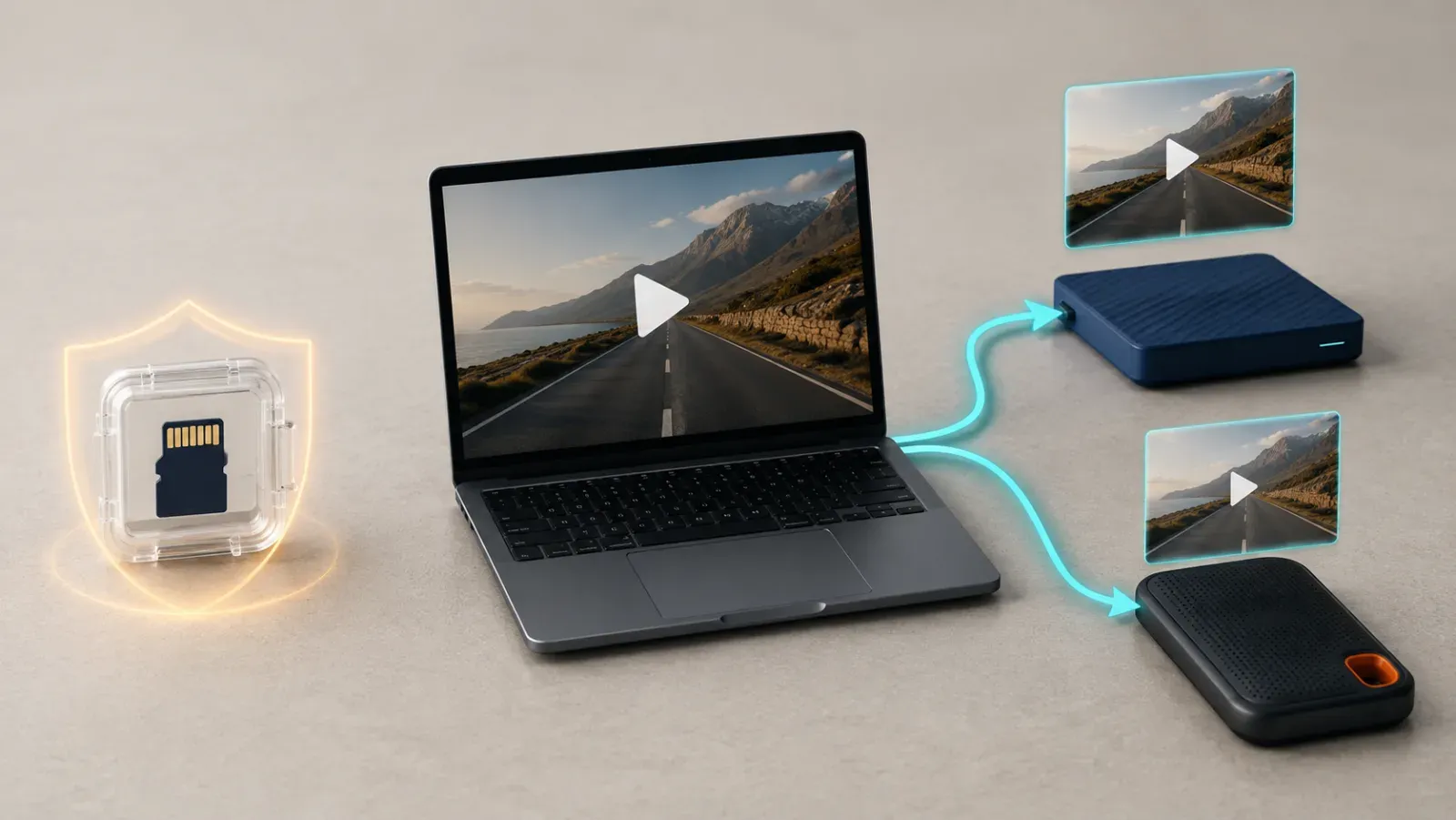
Copy files in their native format. Avoid trimming, transcoding, filtering, stabilizing, or adding captions to the preservation copies.
NIST recommends documenting the source and transfer of digital evidence. It also recommends hashing files and storing hashes separately.
A hash is a checksum calculated from a file's contents. Matching SHA-256 values show that two copies contain identical data.
For ordinary personal handling, use this sequence:
- Copy the complete relevant folders to a computer.
- Copy them again to separate protected storage.
- Open the working copies and verify playback.
- Confirm every channel covers the expected time.
- Calculate SHA-256 checksums when the matter may be disputed.
- Store the checksum list away from the working files.
- Record who received each later copy and when.
The FBI's published digital-evidence principles require documented seizure, access, storage, and transfer activity. Drivers can borrow that discipline without claiming a forensic examination.
Do not repeatedly play files from the original card. Store it securely, and perform ordinary review on a copy.
When should you share footage with police or an insurer?
Preserve the files before sending them anywhere. Then follow the recipient's requested method and keep a record of the transfer.
Tell responding officers that footage may exist when it relates to the crash. Ask whether they want the media, native files, or another submission method.
Notify your insurer promptly under the policy's requirements. California's insurance department advises drivers to notify their insurer immediately.
For a serious injury, disputed responsibility, or possible criminal matter, consider legal advice before broader distribution. Local rules and strategy may matter.
Federal Rule of Evidence 901 requires enough support to show an item is what its proponent claims. State rules and individual cases can differ.
Share a duplicate, not your only copy. Keep the original media unless an authorized recipient takes custody and documents the transfer.
Avoid posting crash footage publicly while a claim or investigation is active. A public upload may expose faces, voices, plates, locations, or injuries.
What if the footage is missing or corrupted?
Stop using the affected card or camera immediately. Continuing to record can overwrite recoverable data.
Check the normal, event, emergency, parking, and protected folders. Also check every camera channel, the official app, and any configured cloud service.
Note the exact local crash time and time zone. Motive advises this because some systems name files using UTC timestamps.
Do not format, repair, defragment, or run recovery software directly against the original. Those operations can change what remains available.
Sudden power loss can leave a video container unfinished. AKASO identifies a broken video index header as one possible cause.
Contact the camera manufacturer when supported tools cannot retrieve the file. For important disputes, consider a qualified digital-evidence or data-recovery professional.
If the camera is physically damaged, keep the camera, card, cables, and mount together. Do not disassemble them or improvise power connections.
A compact preservation checklist
This checklist is for the first safe opportunity after a crash:
- Protect the event clip manually when the camera supports it.
- Stop recording through the documented shutdown method.
- Note the crash time, time zone, location, and camera status.
- Preserve adjacent clips and every available camera channel.
- Copy native files without renaming or editing them.
- Make two backups and verify playback from a working copy.
- Calculate checksums when authenticity may become disputed.
- Record every transfer to police, an insurer, or an attorney.
- Keep the original media secure and unchanged.
- Seek professional help before attempting recovery on damaged media.
Careful preservation cannot guarantee a legal or insurance outcome. It can keep the original recording available for appropriate review.