Best Mirror Dash Cam 2026: Essential Choices by Vehicle Fit
A research-based guide to choosing a mirror dash cam by vehicle fit, rear view, power, storage, and installation needs.
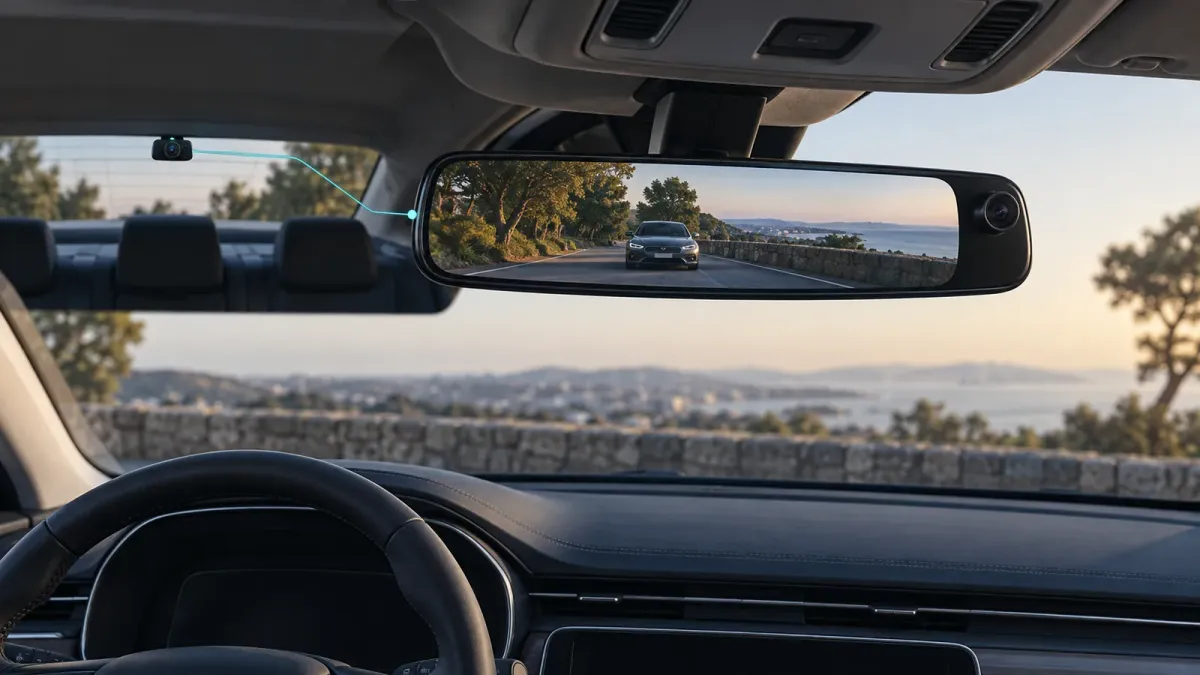
The best mirror dash cam fits your factory mirror, clears the forward lens, and gives you a useful rear view. Start with those checks before comparing resolution labels. The WOLFBOX G900 Pro, G850 Pro, and AUTO-VOX T9 Pro offer different paths, but none is a universal fit.
These are research-based choices from current manufacturer material. We have not measured their footage, reliability, or installation time. Check the exact bundle and vehicle before ordering.
What is a mirror dash cam, and when does it help?
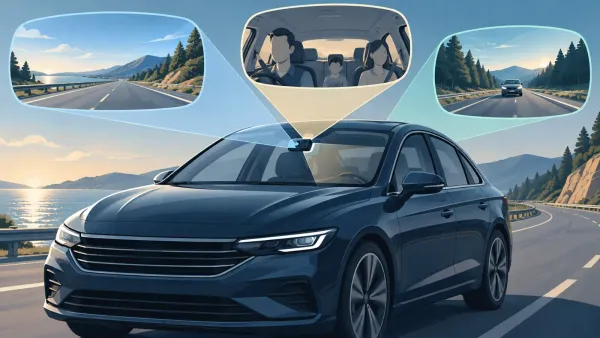
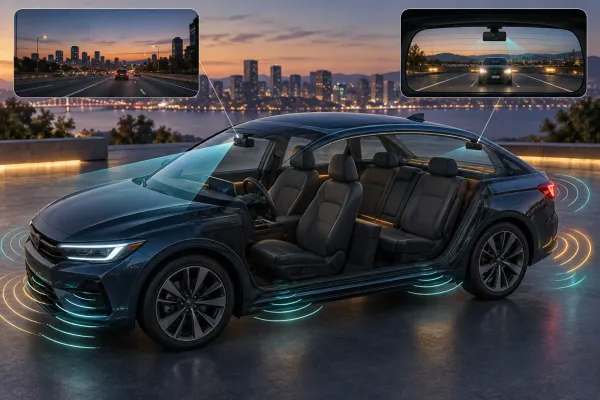
A mirror dash cam mounts over or replaces the inside rearview mirror. It typically records through a forward lens and connects to a separate rear camera. The mirror surface can display the live rear feed while the camera saves footage.
That layout can help when passengers, cargo, or a small rear window limit the ordinary mirror view. It also puts a screen and controls in a familiar glance location. A compact windshield camera may be easier to fit when a digital rear view is unnecessary.
The camera and display solve separate needs. A wide screen does not prove better recorded detail. A high resolution label does not prove clear plates at night.
Look for original footage from the exact model if video detail is your deciding factor.
Which mirror dash cam should you shortlist?
Shortlist by installation style and the published camera arrangement. These are conditional options, not a ranking from hands-on tests.
| Model | Published distinction | Consider it when | Check first |
|---|---|---|---|
| WOLFBOX G900 Pro | Larger front sensor and higher specified rear resolution | Rear footage and local phone access matter | Mirror, lens, and rear cable fit |
| WOLFBOX G850 Pro | Mirror display with front and rear recording | You want WOLFBOX's simpler camera path | Native sensor specifications and package contents |
| AUTO-VOX T9 Pro | Factory-mirror replacement with detachable front camera | You prefer a bracketed, integrated appearance | Vehicle bracket and power compatibility |
WOLFBOX G900 Pro: for a documented front and rear specification path
The G900 Pro is the clearest choice here when published camera hardware is the priority. WOLFBOX lists a Sony IMX678 front sensor and OmniVision OS04J10 rear sensor. Its current comparison table lists native front and rear pixel counts and a 12-inch touchscreen.
The product also lists Wi-Fi app control and support for a microSD card up to 512 GB. Confirm the card and hardwire kit included in the exact package.
WOLFBOX's package descriptions vary. A camera feature does not prove that every accessory is in the box.
Choose it if rear recording matters enough to justify routing the camera cable. Skip it if the mirror body or offset forward lens conflicts with your existing mirror assembly.
WOLFBOX G850 Pro: for a simpler mirror setup
The G850 Pro offers a 12-inch mirror display and front and rear cameras. WOLFBOX's comparison table lists a 4 MP front CMOS and 2 MP rear CMOS. It also lists Wi-Fi app control and advertised driver alerts.
Those native sensor figures matter because a marketing video label can describe output processing rather than sensor pixels. Do not use a resolution headline alone to predict legibility. Find actual clips from this model, including the rear view, before choosing it for evidence detail.
Some G850 Pro bundles list a hardwire kit. Check the selected bundle, connector, and included card rather than assuming that every package is identical. Treat alerts as optional prompts, never as a reason to pay less attention while driving.
AUTO-VOX T9 Pro: for an OEM-style replacement
The T9 Pro is a different fit path: AUTO-VOX describes a replacement mirror with a detachable front camera. Its product page lists dual 1080p recording, a 9.35-inch screen, GPS, and a 20-foot rear cable.
The detachable front lens may help aim around an existing mirror mount. Replacement hardware still needs the correct bracket for your vehicle. AUTO-VOX lists longer cable options separately for larger vehicles.
Choose this path when a clean mirror replacement matters more than the higher published camera specifications above. Confirm bracket availability and current stock before making it your only option.
How can you check mirror and cable fit before buying?
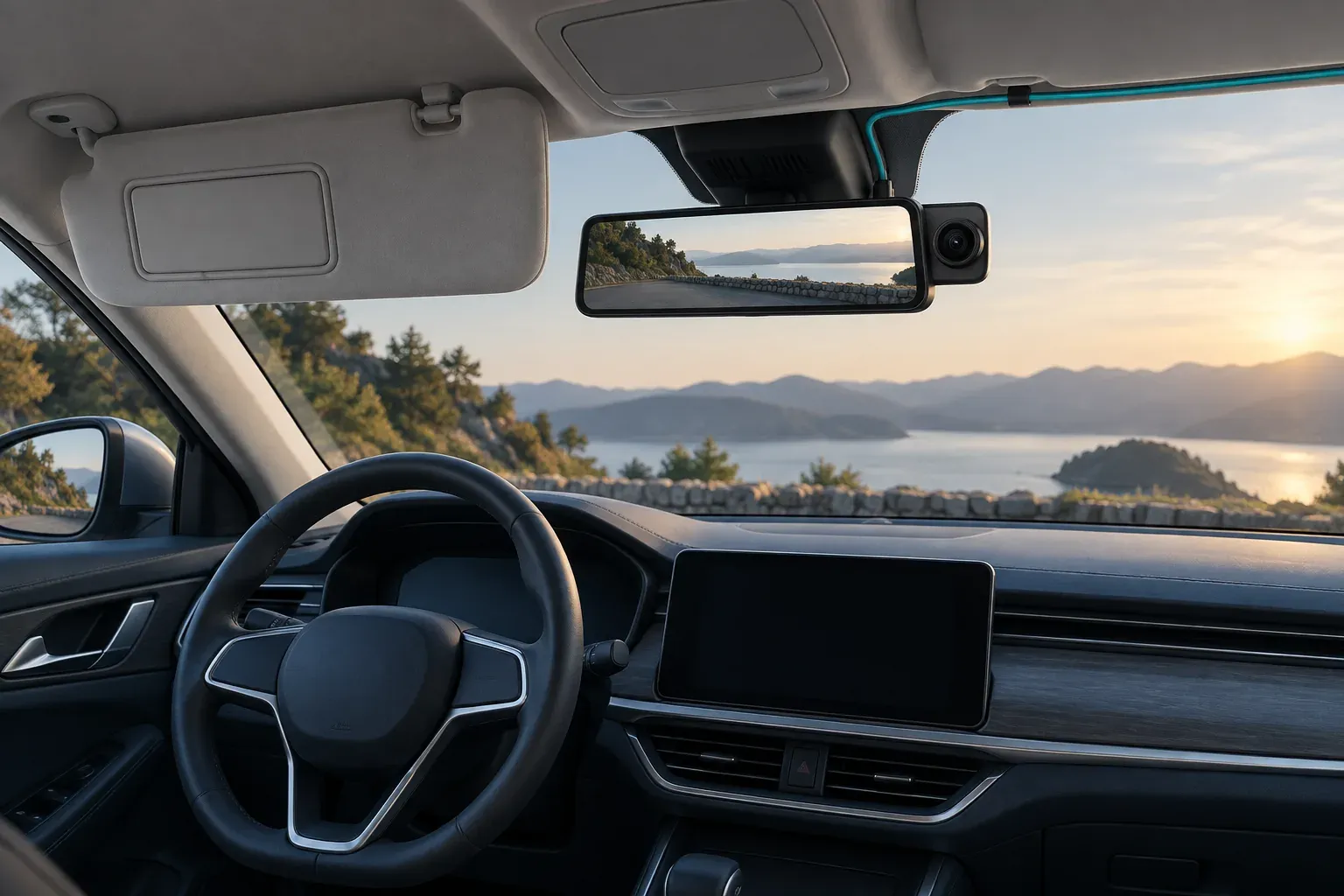
Check fit before comparing features. A mirror camera can be unusable if its housing blocks a visor or hides factory controls. Its forward lens also needs a clear view past any sensor pod.
- Measure the factory mirror and photograph its front, back, stem, buttons, and sensor areas.
- Compare those dimensions with the chosen overlay straps or replacement bracket.
- Check the forward lens position from the driver's seat, with both sun visors lowered.
- Plan a rear-camera route through the vehicle and moving hatch or trunk area.
- Compare that route with the supplied cable length and available extension.
- Verify power connector, card requirements, and any parking kit for the exact model.
The Rexing M2 Max manual warns that its standard rear cable may not reach a larger vehicle. That is a useful reminder to measure the actual route, although its cable length does not apply to other brands.
Fit is a feature. A camera with impressive published specifications is a poor choice if it blocks factory functions or cannot be mounted securely.
Is the rear screen the same as a backup camera?
The live rear view and the saved rear recording are related, but they are separate functions. A compatible mirror unit can show rear traffic while driving. A reverse-triggered display or parking guidelines may require extra setup and a connection to the reverse-light circuit.
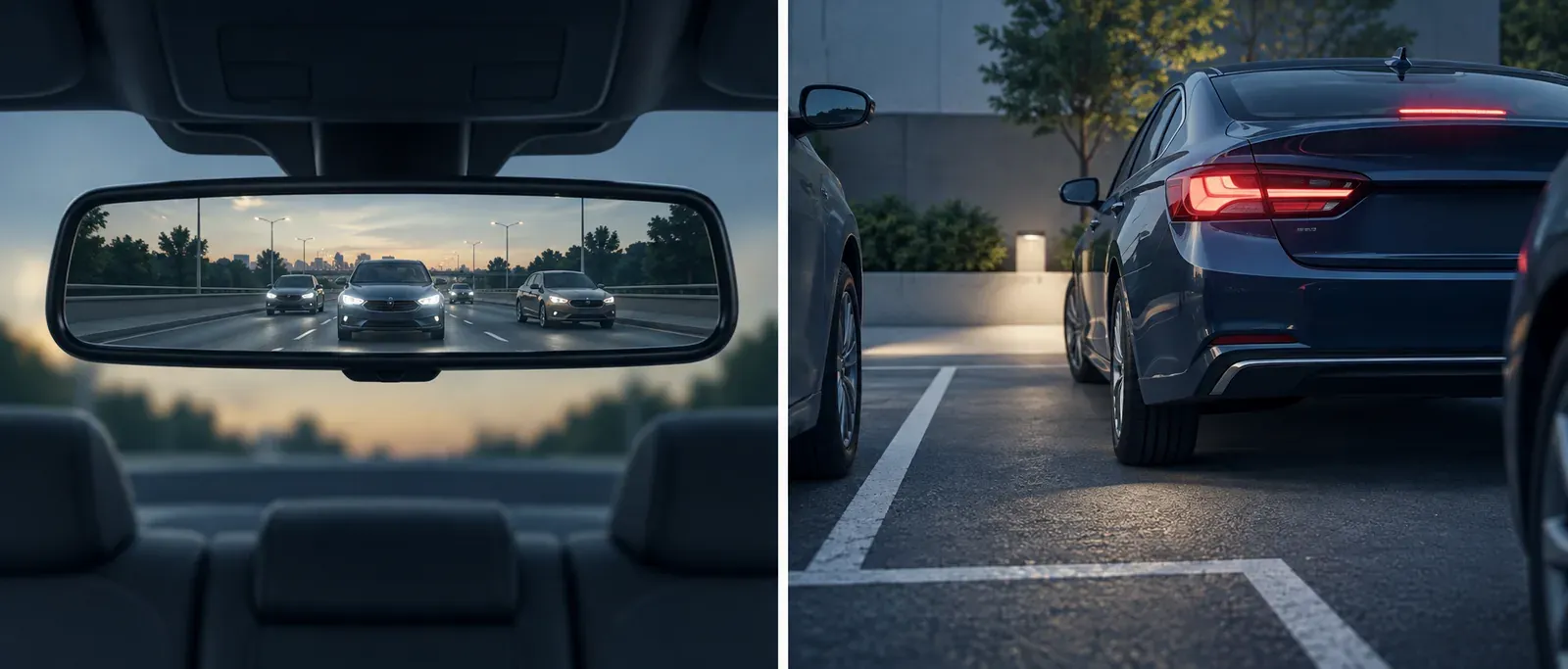
WOLFBOX distinguishes continuous rear recording from reverse-view behavior. AUTO-VOX separates its recording mirror cameras from reversing-focused displays. Read the exact model manual before expecting automatic guidelines.
Choose the rear camera position for the job. An inside rear-window view can suit road recording. A lower exterior position may help with the area immediately behind the vehicle.
The camera's permitted mounting location and cable route determine what is practical.
What does parking recording require?
Parking recording requires a compatible power source after the ignition is off. A driving power adapter in a switched outlet may stop supplying power when the vehicle is parked.
For WOLFBOX mirror models, the company describes a hardwire kit with constant power, an ignition signal, and ground. It also describes low-voltage protection. Confirm the kit and its settings for the chosen model; do not assume another brand uses identical wiring.
If vehicle wiring is unfamiliar, have a qualified installer identify the right circuits and safe cable path. After installation, turn the vehicle off and check for a playable parking clip. A parking icon alone is not proof that footage was saved.
How should you plan storage and clip retrieval?
Plan for local storage before you need a clip. Confirm the model's card capacity and format requirements, then make a short recording from both cameras. Play the files and test your preferred way to copy them.
WOLFBOX lists up to 512 GB microSD support and app access for the G900 Pro. That is a model-specific ceiling, not a retention-time promise. Recording settings and protected events affect how much usable history remains.
The Rexing M2 Max manual instructs owners to stop recording before removing its card. The same manual warns that formatting erases stored footage. Follow your chosen camera's own procedure and copy important files before formatting.
Who should choose a compact windshield camera instead?
Choose a compact windshield unit when you do not need a live rear display. It also suits a vehicle where the mirror system cannot fit cleanly. This is especially relevant when the factory mirror contains controls, light sensors, or a bulky camera housing.
For one Hyundai mirror design, the owner's manual says covering either auto-dimming light sensor reduces that feature's operation. That does not mean every aftermarket camera conflicts with every factory mirror. It means you should check your own vehicle manual and the actual hardware before covering anything.
A digital mirror also changes how rear distance feels. Hyundai's digital-mirror guidance warns that the displayed range differs from the optical view. Try the viewing mode in safe conditions and keep the rear lens clean.
Retain a workable fallback if the screen is hard to read.
The practical decision is simple: buy for the rear view you need, then verify fit, power, and saved footage. If any of those checks fail, a smaller camera is the better purchase for that vehicle.