Nexar Dash Cam Review: Which Connected Setup Fits Your Drive?
A practical guide to choosing a Nexar coverage setup, understanding storage, and checking app, power, and LTE requirements.
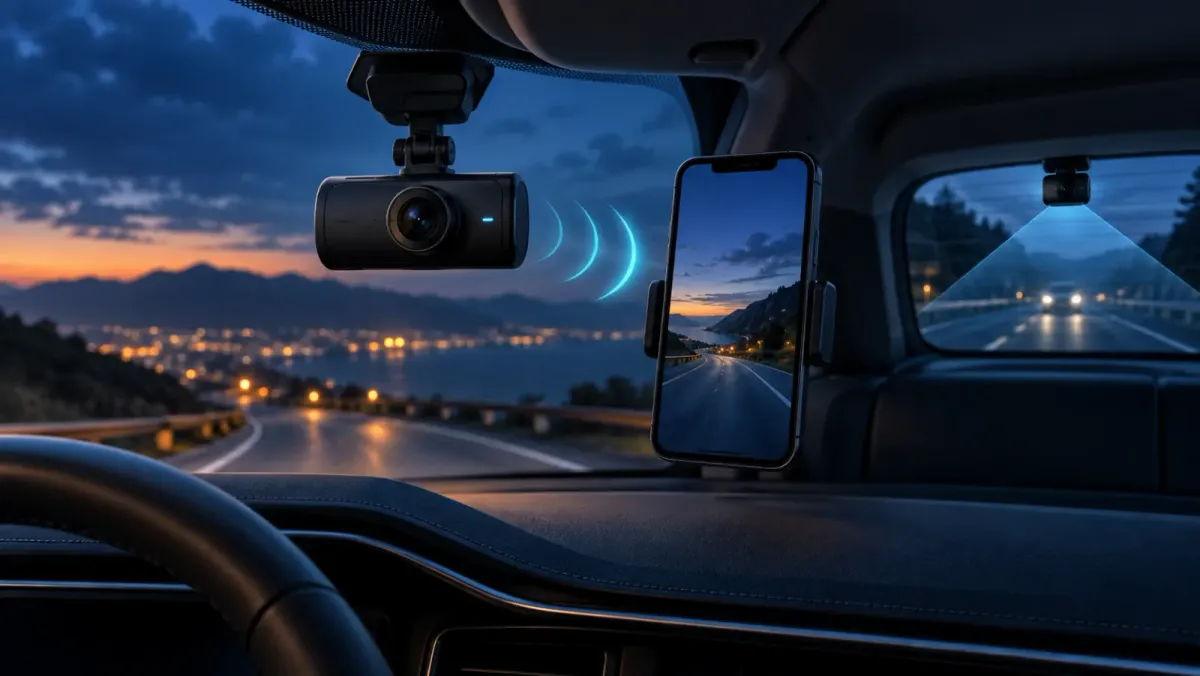
Nexar makes the most sense for drivers who want a dash cam that works with a phone and, on supported models, connected features away from the car. The right pick depends on coverage, power, and whether you accept fixed internal storage. Its current lineup ranges from a front camera to road, cabin, and rear coverage.
Is Nexar a good fit for a connected dash cam?
Nexar is a sensible fit if app access and incident alerts matter as much as recording. The current lineup divides choices by coverage, while Nexar says its connected models can use Wi-Fi and LTE for live streaming and alerts.
The trade-off is that connected features are model and plan dependent. Treat an LTE add-on and a protection plan as separate purchase decisions, not a promise that every Nexar feature is included.
Which Nexar coverage setup should you choose?
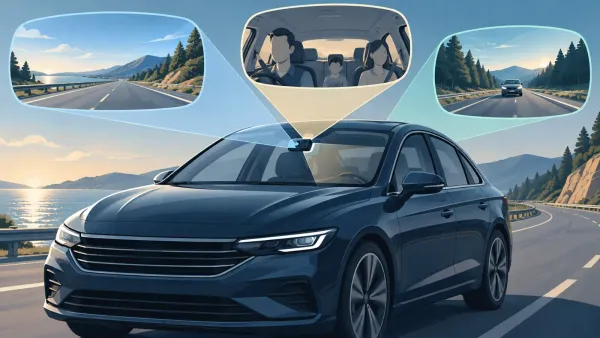
Pick coverage for the event you are trying to document. A front camera records the road, a cabin camera adds the vehicle interior, and a rear camera adds what happens behind you.
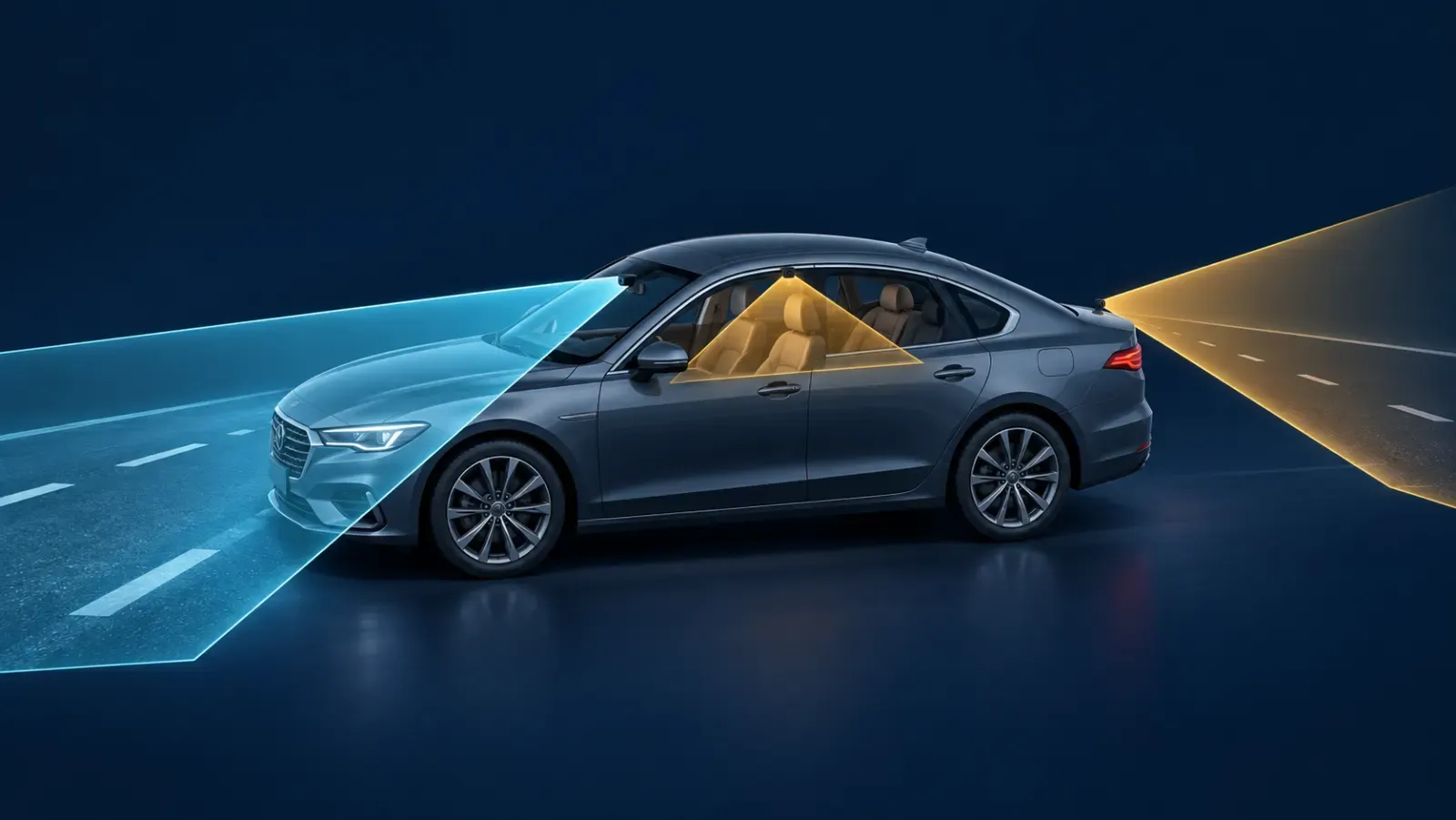
Left to right: road-facing view, cabin-facing view, and rear-facing view represented by camera cones from one parked vehicle.
| Driving need | Coverage to consider | Why it may fit |
|---|---|---|
| Everyday commuting | Front view | Keeps the installation and footage review simple. |
| Rideshare or family trips | Front plus cabin | Adds context inside the vehicle. |
| Rear-end concern or full-trip record | Front plus rear, or front plus cabin plus rear | Adds a second or third viewpoint. |
Nexar lists the Nexar One with road and cabin coverage, with an optional rear camera. The company also lists beam2 options across the coverage range. For installation basics, see our front-and-rear dash cam guide.
What does Nexar One record?
Nexar specifies up to 4K road-facing recording and a 140-degree diagonal view for Nexar One. Its optional interior camera is specified at 720p infrared night vision and a 160-degree diagonal view.
Those details describe the camera system, not a guarantee that every plate or event will be readable. Position, weather, lighting, motion, and the selected recording mode still affect useful footage.
What should you know about Nexar One storage?
Nexar One uses built-in storage fixed at purchase and cannot be upgraded with a removable SD card.
That is different from many cameras discussed in our dash cam storage guide. Choose capacity deliberately if you expect to save longer drives or use higher-resolution recording.
How do the app and LTE features work?
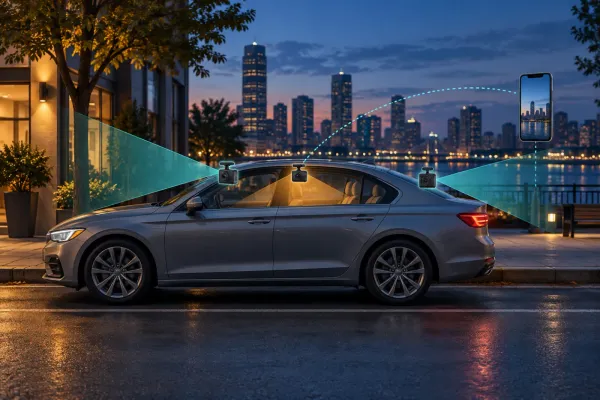
Nexar One, beam2, and beam2 mini use the Nexar Connect app. Nexar says the app pairs through Wi-Fi, while connected cameras can save drives through LTE after pairing.
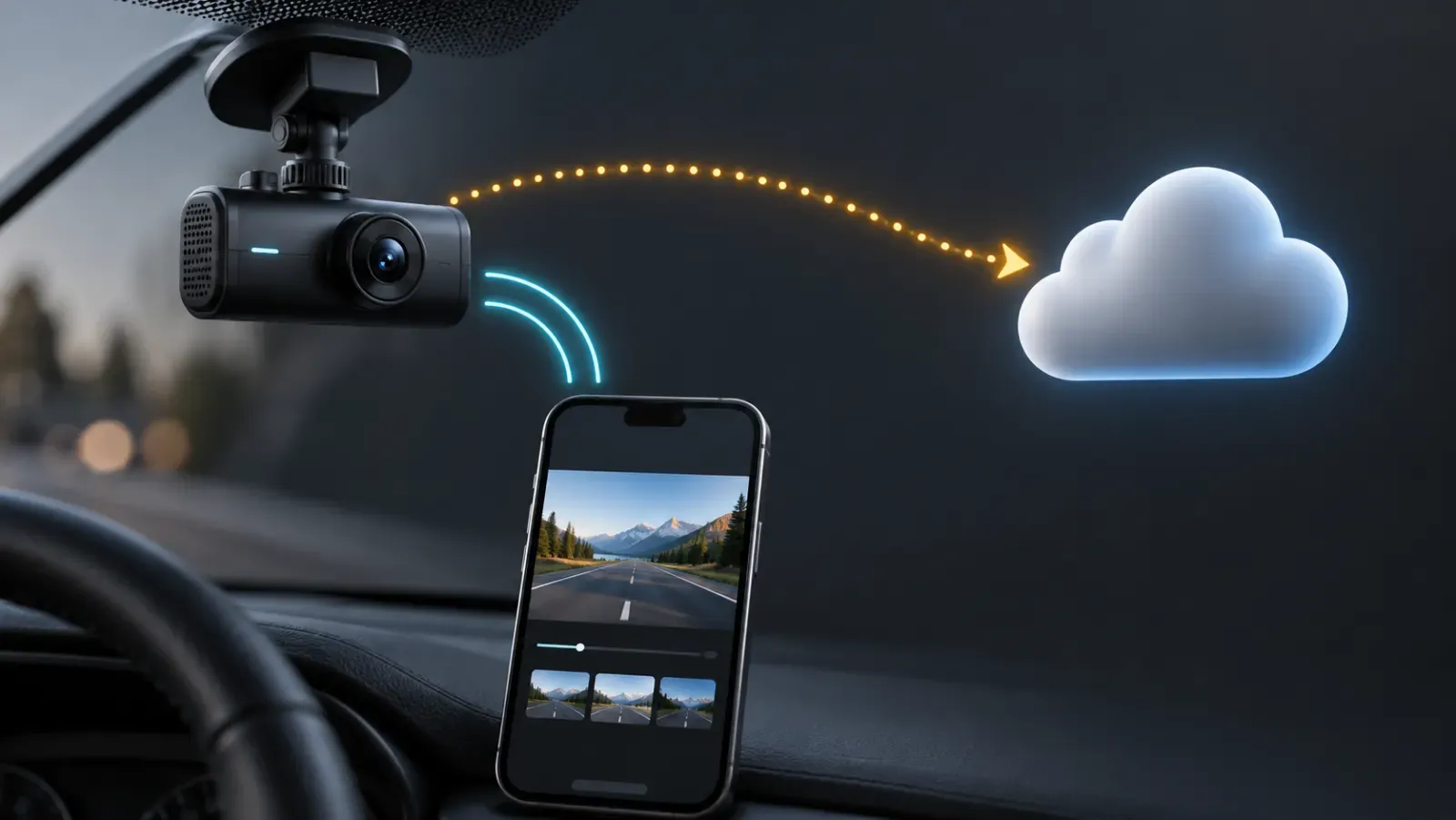
A dash camera connects locally to a phone, with a separate optional route to a cloud service for remote access.
Some remote functions require more than the camera itself. Nexar says remote streaming, real-time location, selected alerts, and cloud backup depend on the +Connectivity add-on and an active LTE Protection Plan.
Check the exact model, add-ons, plan, phone compatibility, and local service availability before buying. Connected-camera features change more often than core video specifications.
Does Nexar One have parking mode?
Nexar says Nexar One can enter parking mode after pairing and voltage-drop detection. Its support guide describes a sensor-triggered 30-second incident clip.
Real-time parking notifications require the applicable LTE plan. Use official power accessories, and review our parking mode guide before depending on any parked-vehicle recording setup.
Is installation practical for a first-time owner?
Nexar’s setup sequence is straightforward: attach the add-ons, connect the mount and cable, power the camera, mount it, and secure the cable. The company supports OBD-II and hardwiring options for many vehicles.
Hardwiring is a permanent electrical installation. If fuse selection or cable routing is unfamiliar, professional installation is the safer choice. Nexar also publishes an official setup video for Nexar One.
Who should skip a Nexar dash cam?
Skip Nexar One if removable storage is essential. A camera that accepts a user-replaceable card may be a better fit for drivers who want to change capacity later.
Also reconsider it if you prefer a camera with no app account, no phone pairing, or no subscription-dependent features. Nexar’s connected experience is the point for many drivers, but it is not the right trade-off for everyone.
Nexar dash cam verdict
Nexar is best approached as a connected camera system. Choose it when the combination of coverage, phone access, and optional remote features matches how you drive. Choose the camera configuration first, then verify storage, power, app compatibility, and plan requirements before placing an order.