What Is a Dash Cam? A Practical Beginner's Guide
A practical guide to what dash cams record, how they save footage, which views they cover, and what first-time owners should verify.
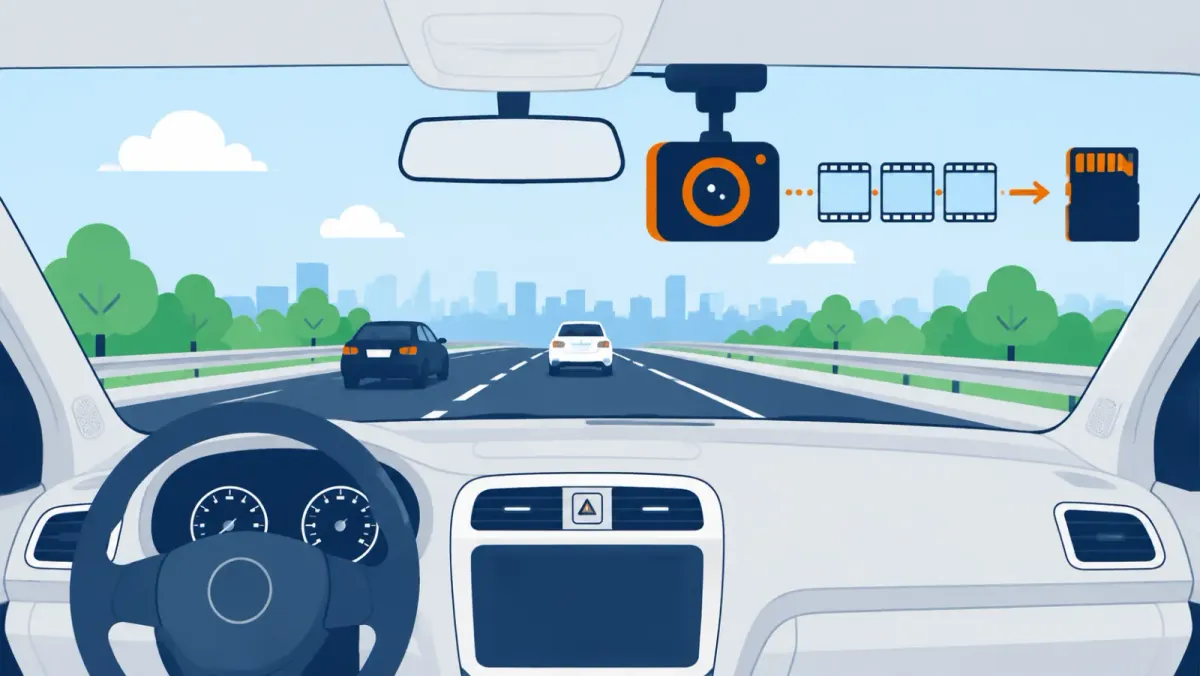
A dash cam is a compact vehicle camera that records the view around your car. Most units capture the road ahead, while multi-camera systems can record behind the vehicle or inside the cabin. Footage can document visible events, but it cannot guarantee a legal or insurance outcome.
Research scope: This guide explains common dash cam functions. Your model's manual controls its exact installation, storage, and recording behavior.
What is a dash cam?
A dash cam is a compact camera mounted in or on a vehicle. It records one or more views during driving.
Garmin describes a dash cam as a compact windshield-mounted camera. Its basic purpose is recording footage while the vehicle is on the road.
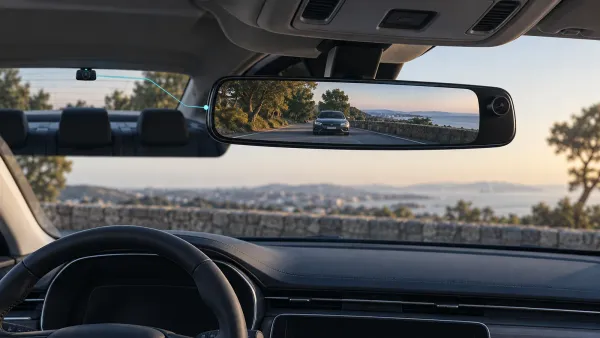
The name can be misleading because many cameras sit near the mirror, not directly on the dashboard. Placement depends on the device, vehicle, and applicable rules.
A basic setup usually combines four parts:
- A camera and lens
- A secure mount
- A supported power connection
- Compatible storage, when the model requires it
Some units add a screen, microphone, GPS receiver, wireless connection, or extra camera. Those additions change convenience or context, not the basic definition.
What does a dash cam actually record?
It records whatever falls within each lens's visible frame. A forward lens usually captures the road, traffic, signals, and weather ahead.
The camera may also store audio, time, location, or speed information. Availability and accuracy depend on the specific model and settings.
A recording is never a complete copy of an event. Objects can remain outside the frame, behind obstructions, or beyond readable detail.
Key point: A dash cam documents a camera view. It does not see everything the driver sees.
How does a dash cam record and save video?
Most dash cams record automatically after receiving power. They save short video files and reuse eligible storage through loop recording.
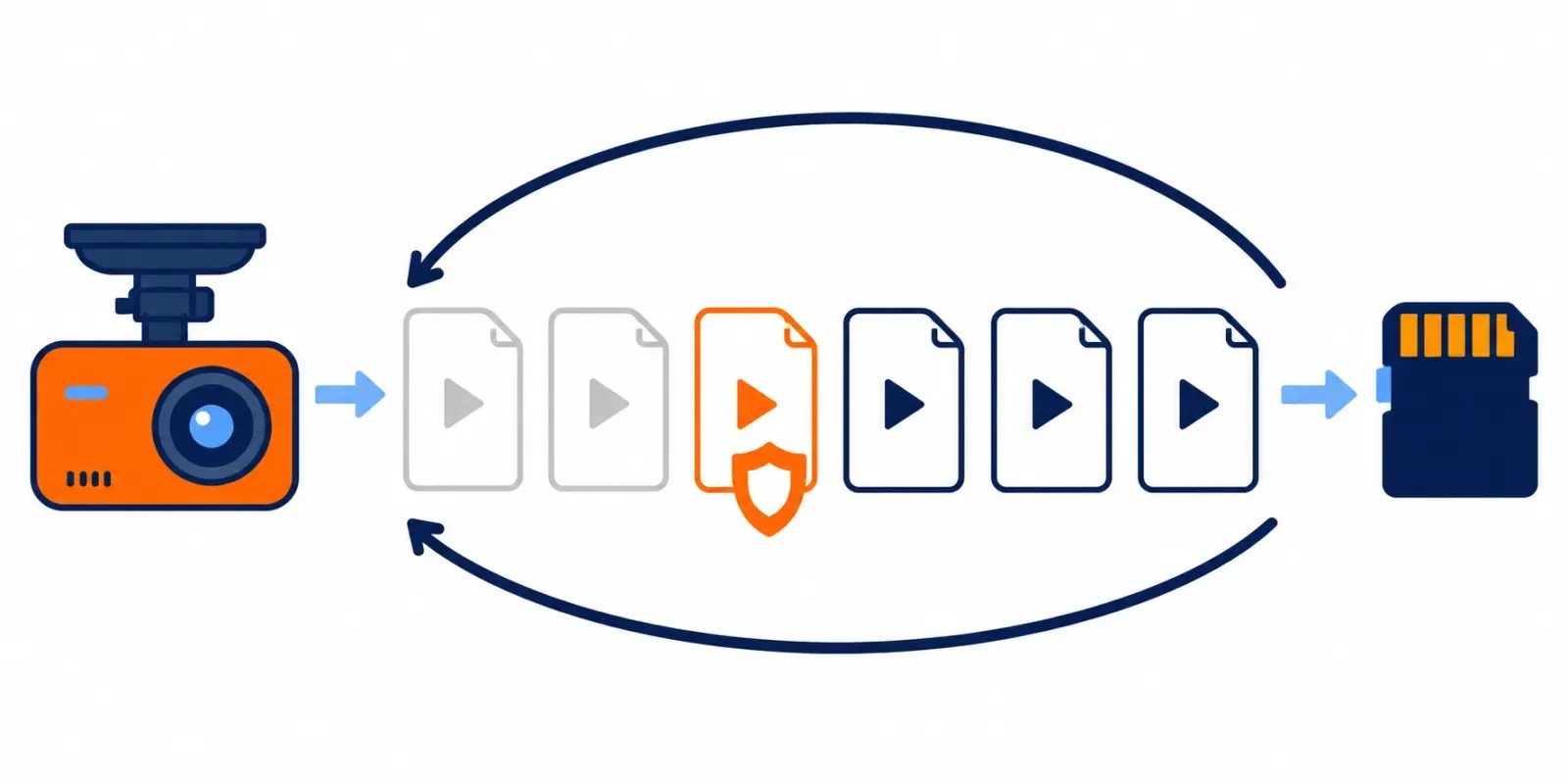
Garmin's Dash Cam Live manual says the device records to its memory card. It starts when powered and continues until switched off.
Its documented cycle works like this:
- The camera receives power and starts recording.
- Video is divided into manageable files.
- The files fill available storage over time.
- Eligible older footage is removed when more space is needed.
- New footage continues using the reclaimed space.
That repeating process is called loop recording. It reduces routine card clearing, but it also makes ordinary files temporary.
What happens to an important clip?
An important recording needs protection before the loop replaces it. Use the model's documented save function, then copy the original elsewhere.
Some cameras can protect a file after detecting an impact. A manual button or voice command may provide another method.
Automatic protection is helpful, but it is not a backup strategy. A useful event might not trigger the sensor, while a pothole might.
Check the actual files while safely parked. A status light or live preview does not prove that usable video reached storage.
Which views can a dash cam cover?
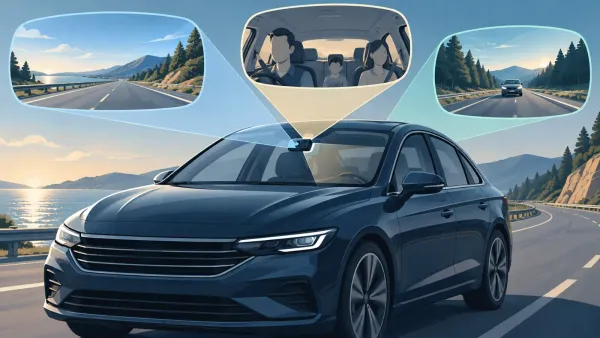
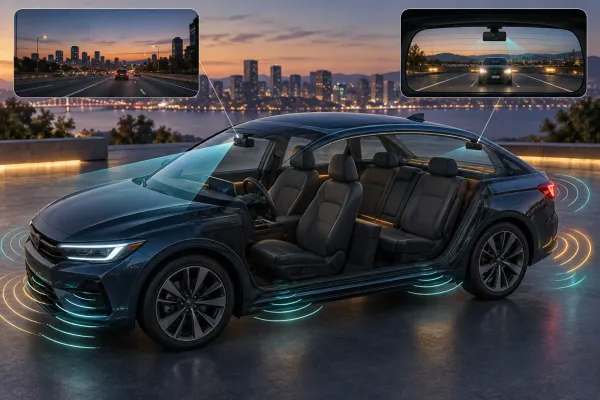
Dash cams can record front, rear, or cabin views. Each lens covers a different part of the vehicle's surroundings.
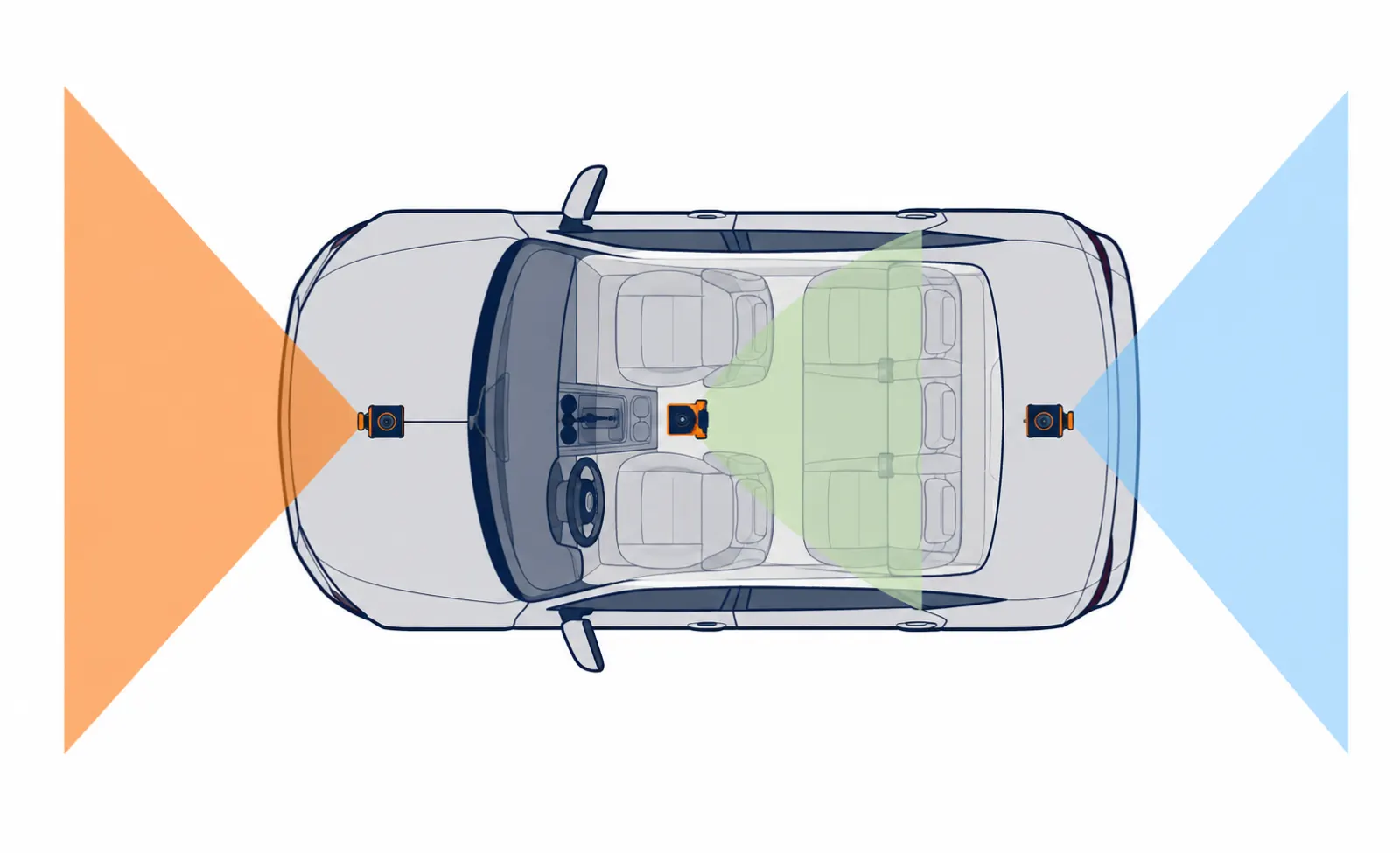
| Camera view | Typical position | What it can show | Main limitation |
|---|---|---|---|
| Front | Front windshield | Road and traffic ahead | Cannot show most rear impacts |
| Rear | Rear glass | Traffic behind the vehicle | Adds cable routing and another file stream |
| Cabin | Facing the interior | Driver and passenger area | Creates added privacy concerns |
KENWOOD documents a two-camera system that records front and rear views simultaneously. Garmin also documents a dual-lens model recording exterior and interior views.
A system with one view is often called single-channel. Two or three recorded views are commonly described as two-channel or three-channel systems.
Extra channels can widen coverage, but they add hardware and data. They may also affect storage, installation, power, and review time.
Choose the views by considering the events you need to document. A rideshare driver may value cabin context more than another driver.
Does a dash cam record when the car is off?
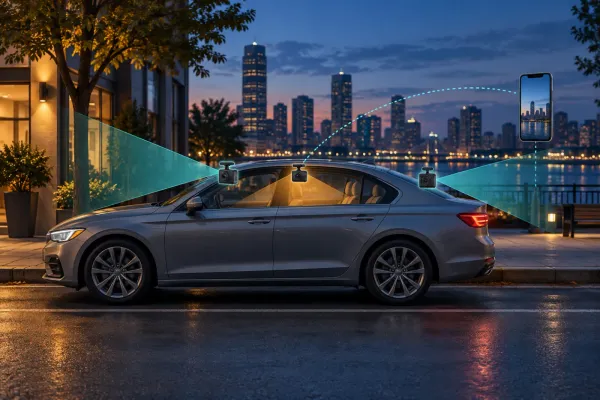
A dash cam can record while parked only when its model and power setup support that behavior. Parking recording is not automatic.
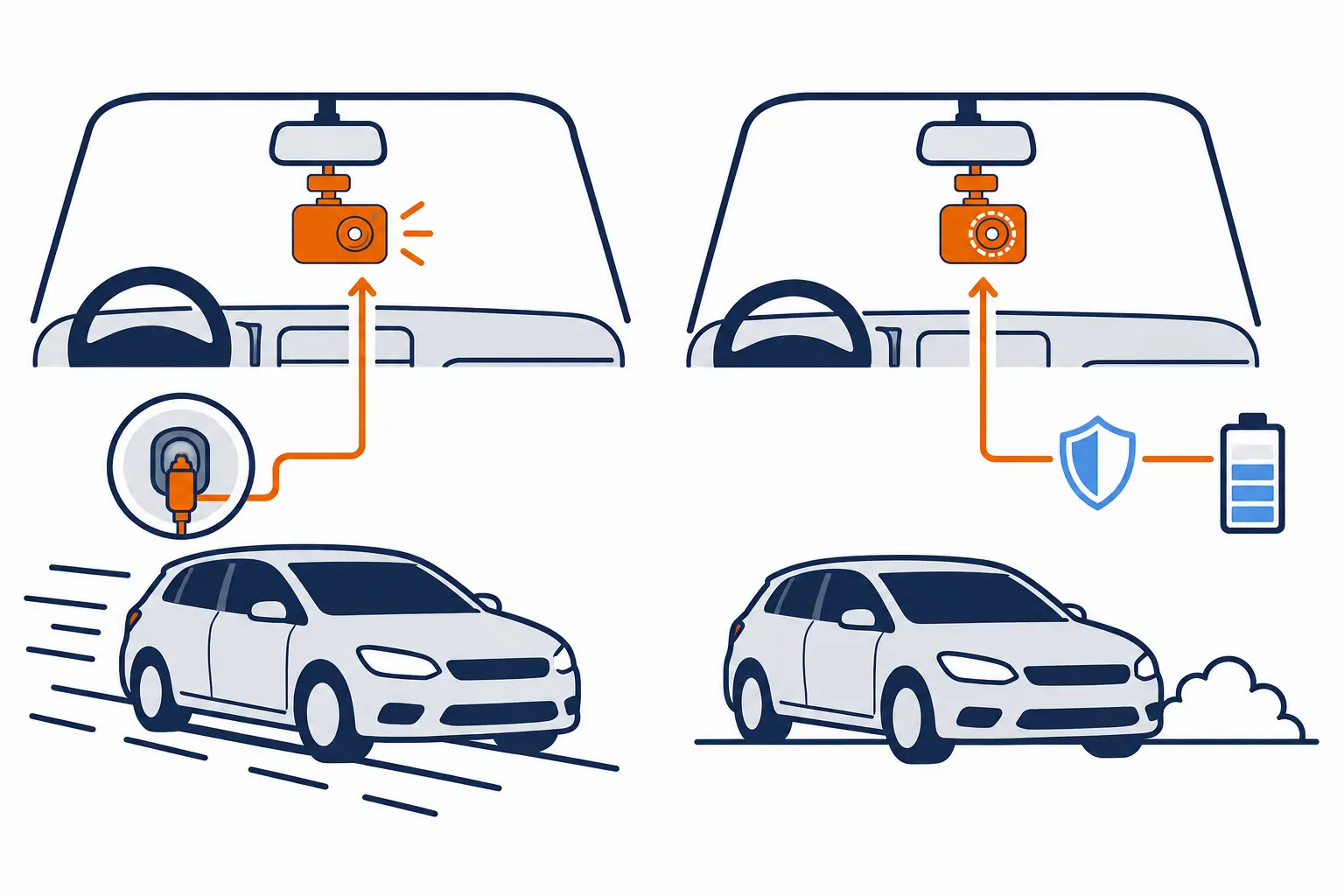
VIOFO says its parking function first needs a constant power supply. Its supported options include a hardwire arrangement or external battery pack.
A normal vehicle socket may turn off with the ignition. Another vehicle's socket may remain powered and create battery-drain risk.
Parking modes also behave differently. Depending on the model, a camera may record continuously, capture intervals, or react to motion or impact.
Before depending on parked recording, confirm these points:
- The exact power accessory is supported.
- Battery protection matches the manufacturer's instructions.
- The camera enters and exits parking mode correctly.
- Every required channel saves a playable file.
- Storage allocation matches the selected mode.
- Remote alerts and local recording are understood separately.
Do not improvise vehicle wiring to keep a camera active. Use a qualified installer when the supported arrangement exceeds your knowledge.
What does a dash cam need to work?
A dash cam needs stable mounting, compatible power, and the storage specified by its manufacturer. It also needs correct setup and verification.
The Transcend DrivePro 250 manual lists a mount, microSD card, and vehicle power adapter. That package illustrates a common setup, not a universal parts list.
Garmin states that compatible models require a supported memory card to record. Other systems may use internal or cloud-connected storage differently.
| Requirement | Why it matters | What to verify |
|---|---|---|
| Mount | Holds the selected view | Position, surface, and secure attachment |
| Power | Runs the camera predictably | Adapter, voltage handling, and shutdown behavior |
| Storage | Holds the recorded files | Type, capacity, preparation, and endurance requirements |
| Settings | Controls recorded information | Time, audio, channels, and privacy choices |
What should you check after setup?
Complete the first verification while parked. Do not begin by assuming default settings match your needs.
- Confirm that every camera powers on normally.
- Check the recorded frame from each lens.
- Verify the date, time, and time zone.
- Decide whether audio and location features should remain enabled.
- Record a short sample from every channel.
- Play the files using the intended retrieval method.
- Learn how to protect and copy a clip.
Repeat a suitable check after changing storage, power accessories, firmware, or the mount. A familiar startup sound cannot replace file playback.
What can dash cam footage prove?
Dash cam footage can help document visible timing, movement, conditions, and road context. It does not decide fault by itself.
Official police guidance says evidential value depends on image quality and what the recording shows. Recording an incident does not guarantee that police can act.
The same limitation applies to insurance and legal disputes. A decision may also depend on statements, damage, laws, policies, and other evidence.
Footage can still be useful when it clearly preserves the relevant view. It may help recipients understand a sequence that competing descriptions leave uncertain.
How should an important recording be handled?
Address immediate safety and required assistance first. Then preserve the relevant files when it is safe to do so.
- Save all useful camera channels.
- Include surrounding time that provides context.
- Keep an untouched original.
- Make separate copies for viewing or redaction.
- Note a known timestamp error without changing the original.
- Ask the appropriate recipient how they accept files.
Avoid posting an incident publicly before considering privacy and dispute risks. A private transfer may serve the real purpose better.
Are dash cams legal in the United States?
Dash cam use is generally legal across the United States, but state-specific rules still apply. Installation and recording are separate legal questions.
A Louisiana Department of Insurance report says dash cam use is legal in all states. It also warns that mounting rules vary.
Check the current law for every relevant jurisdiction. Common questions include windshield visibility, device position, audio recording, passenger notice, and footage sharing.
Garmin's manual warns that some places regulate recording or require knowledge and consent. A microphone therefore deserves a separate decision.
Business, fleet, and rideshare use can add workplace or platform requirements. Interstate travel can also make a simplified state label inadequate.
This overview is educational, not legal advice. Consult a qualified attorney when a recording or dispute creates an uncertain legal question.
Is a dash cam right for you?
A dash cam suits drivers who want a recordable vehicle view and will maintain the setup. It is less useful when ignored after installation.
Consider one when you can answer these questions clearly:
- Which views matter for your driving?
- How will the camera receive power?
- Which compatible storage does it require?
- How will you retrieve an important file?
- Will audio, location, or cabin recording remain enabled?
- Which mounting and recording rules apply?
- How often will you verify actual recordings?
Skip unnecessary features that complicate your privacy or maintenance plan. A simple verified camera can be more useful than an unmaintained complex system.
The best first step is reading the exact model manual. Then test one ordinary recording before trusting the camera during an important event.