Best Dash Cam Choices: Five Picks by Driving Need
Five research-based dash cam picks, matched to daily driving, parking, cloud access, compact installs, and three-channel coverage.
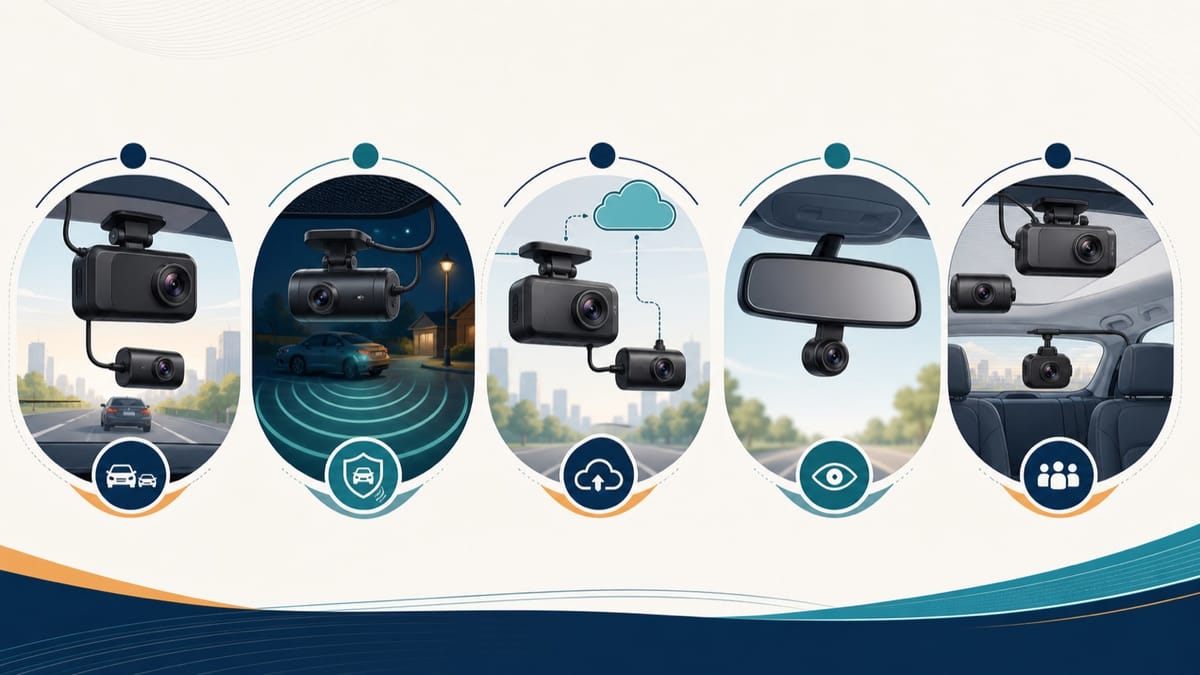
The best dash cam is the one that records the views you need and fits your power plan. For most drivers, that means reliable front and rear coverage. Parking, cloud access, compact size, and cabin recording can change the right choice.
Research disclosure: These recommendations use manufacturer documentation, current retail listings, manuals, and customer feedback. DashCamPilot has not physically tested these cameras.
| Driving need | Best fit | Main reason | Important limitation |
|---|---|---|---|
| Everyday front and rear coverage | VIOFO A229 Pro 2CH | 4K front and 2K rear recording | No cloud storage |
| Parking surveillance | Thinkware U3000 Pro | Dual radar parking mode | Constant power is required |
| Remote cloud access | BlackVue DR970X-2CH LTE Plus II | Built-in LTE and cloud tools | Rear video is Full HD |
| Small windshield camera | Garmin Dash Cam Mini 3 | Compact front-only design | 1080p and no rear camera |
| Rideshare coverage | Vantrue N4 Pro S | Front, cabin, and rear cameras | More wiring and privacy duties |
What makes one dash cam the best choice?
The best camera matches a specific recording problem. A daily commuter and a rideshare driver need different views.
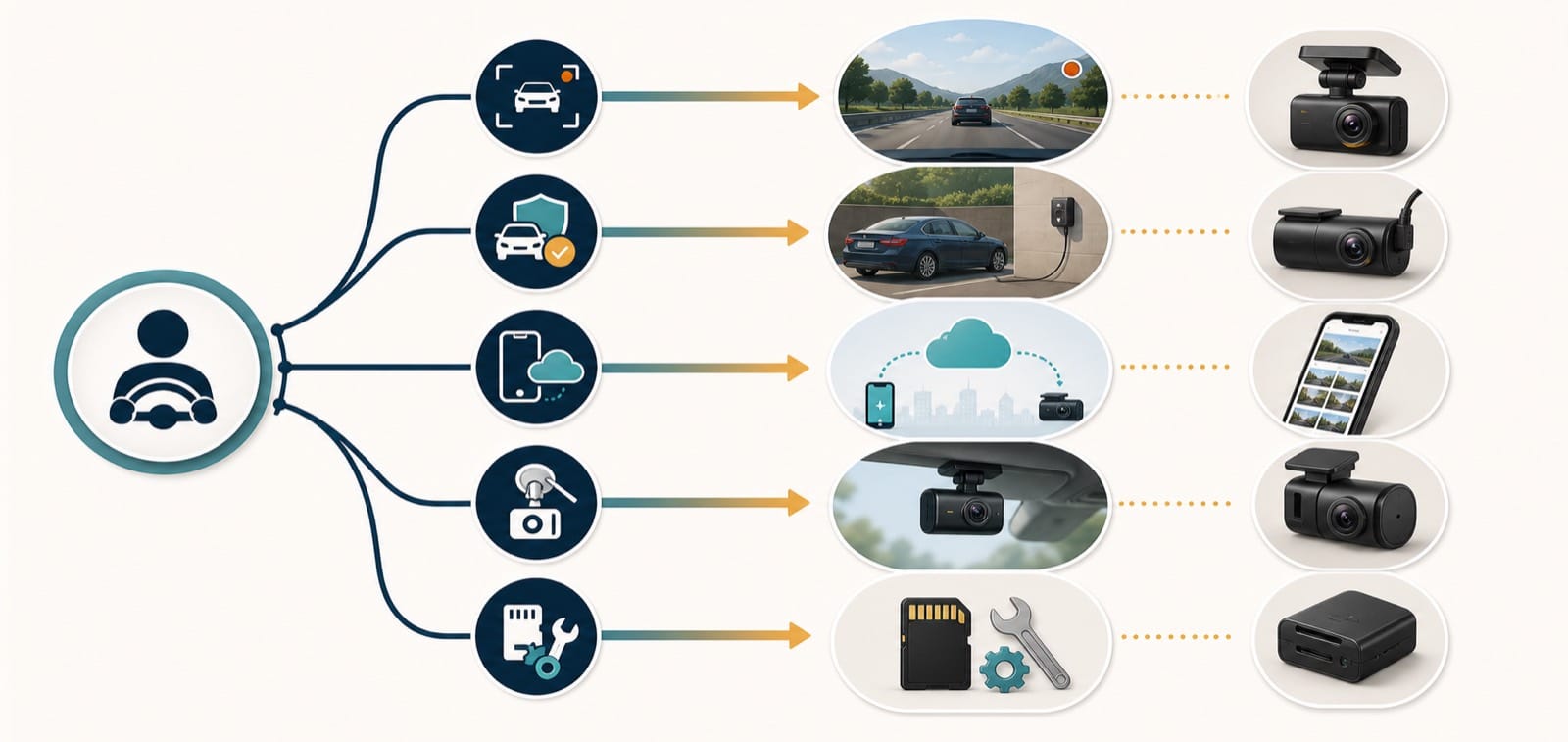
Start with five questions:
- Do you need front, rear, or cabin footage?
- Will you install a constant-power connection for parking mode?
- Do you need remote access, or is local storage enough?
- Can your windshield and trim accept the cameras and cables?
- Will you maintain the card, app, account, and firmware?
Resolution matters, but it is not a complete performance test. Lighting, movement, exposure, lens angle, and compression also affect useful detail.
No dash cam can guarantee readable license plates in every encounter. Treat manufacturer plate-capture claims as capabilities to investigate, not promises.
This shortlist uses verified features and current availability. It does not assign scores because we have not conducted controlled, repeatable testing.
Which dash cam is best for most drivers?
The VIOFO A229 Pro 2CH is the strongest general-purpose fit in this shortlist. It combines front and rear coverage without adding a cabin camera or cloud service.

VIOFO lists 4K front and 2K rear recording for the two-channel model. Both cameras use Sony STARVIS 2 sensors, with HDR available across the system.
The design suits drivers who prioritize locally stored video and detailed front coverage. GPS, 5 GHz Wi-Fi, voice control, and parking modes cover common ownership needs.
Why it suits everyday driving
- The rear camera records at 2K rather than Full HD.
- Local Wi-Fi supports nearby phone access without requiring a cloud account.
- The two-channel package avoids an unnecessary cabin camera for many commuters.
- VIOFO offers optional hardwiring for supported parking modes.
Customer feedback on the current retail listing praised image quality and straightforward controls. The sample was small and mixed product variants, so it did not determine this recommendation.
Who should skip it
Skip the A229 Pro 2CH if you need remote vehicle access. VIOFO confirms that its recordings remain on the microSD card, without cloud storage.
It also requires a rear-camera cable across the vehicle. Drivers wanting the smallest installation should consider a front-only model.
Which dash cam is best for parking surveillance?
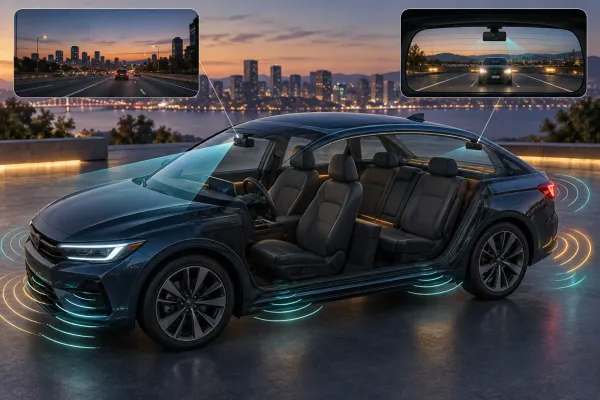
The Thinkware U3000 Pro is the strongest parking-focused fit here. Its dual radar system reduces constant camera activity while monitoring for movement.

Thinkware lists 4K front and 2K rear recording using Sony STARVIS 2 sensors. The front camera can also record 2K at 60 frames per second.
Radar Parking Mode wakes the system when movement enters its detection range. Thinkware says it records a 20-second event clip.
What the parking setup requires
Parking surveillance requires the included OBD-II cable or a supported hardwiring installation. The feature is not available from a temporary accessory-socket connection after power stops.
The system supports motion, impact, time-lapse, energy-saving, and radar modes. Those choices prioritize different event coverage and power use.
Thinkware also supports cards up to 512 GB. An optional LTE module enables connected features, but it adds another installation and service dependency.
Who should skip it
Skip this model if you will not install constant power. Its defining parking advantages would remain unavailable.
Customer reviews commonly praised parking coverage and clear video. Other owners reported app complexity, connection problems, and multiple software workflows.
Parking takeaway: Choose the power method before choosing the parking feature. The camera and its installation form one system.
Which dash cam is best for cloud and LTE access?
The BlackVue DR970X-2CH LTE Plus II is the strongest remote-access fit. It combines built-in LTE hardware with BlackVue Cloud support.
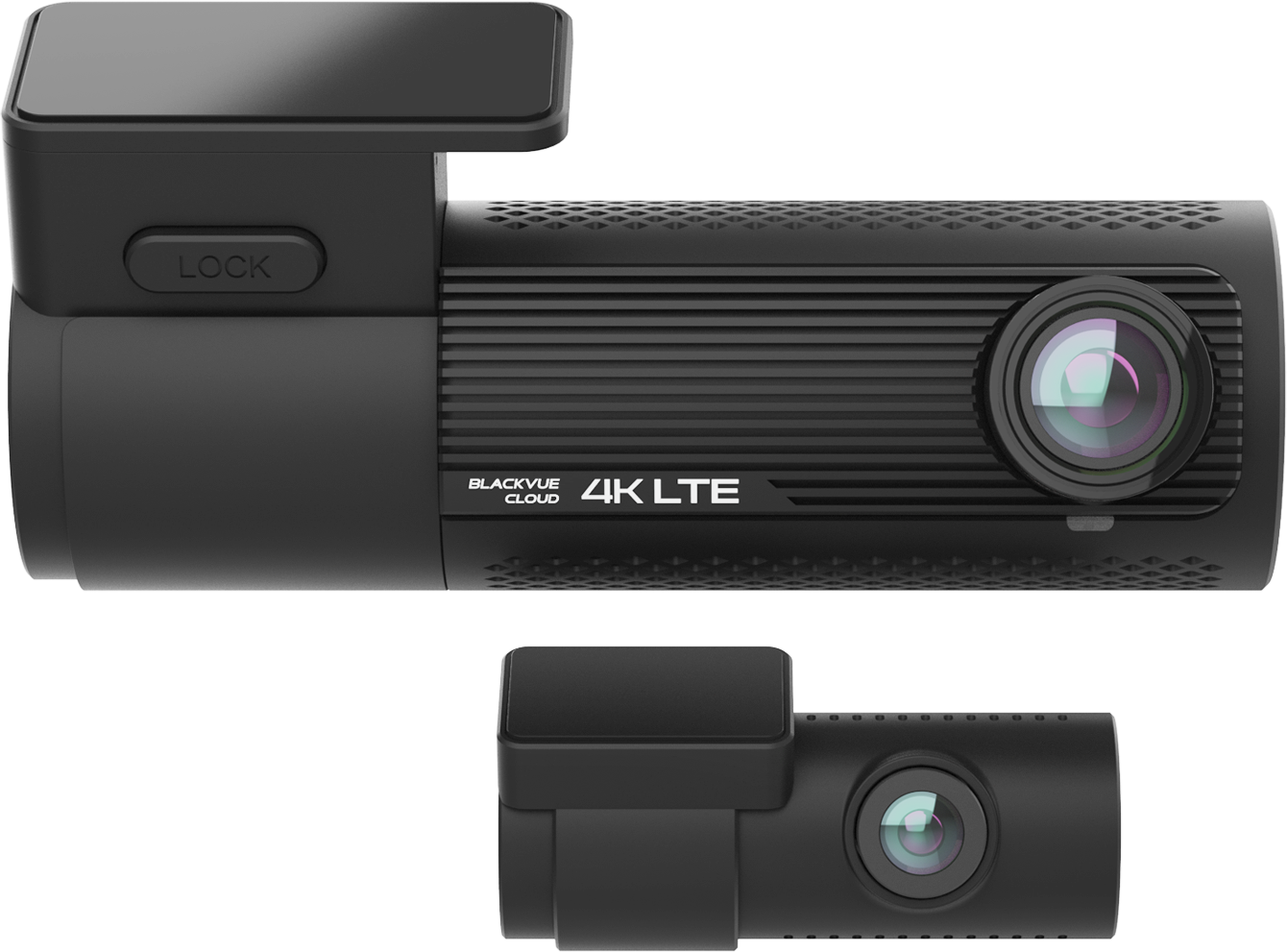
BlackVue lists 4K front and Full HD rear recording. The North American model includes a nano-SIM reader, but it does not include service.
Supported cloud tools include remote live view, event uploads, remote playback, alerts, and GPS functions. These features depend on power, an account, network coverage, and compatible mobile service.
What remote access changes
Cloud access can help when the vehicle is away from your phone. It also creates more failure points than local recording.
BlackVue publishes estimated data consumption for live view, event uploads, backup, and playback. Actual use changes with recording quality and behavior.
Confirm carrier compatibility before purchasing a data plan. One retailer review specifically reported an incompatible mobile provider.
Who should skip it
Skip this model if you want equal front and rear resolution. The front camera records 4K, while the rear camera records Full HD.
Also skip it when remote access is only a vague preference. A local system avoids the SIM, account, service, and data-management burden.
Which dash cam is best for a compact installation?
The Garmin Dash Cam Mini 3 is the simplest compact choice here. It is a small, front-only camera without a display.
Garmin specifies 1080p video, a 140-degree view, and a built-in polarizer. The polarizer aims to reduce windshield reflections.
The small body can fit behind many rearview mirrors. That placement can reduce distraction when installed without blocking the driver's view.
What simplicity gives up
The Mini 3 records only the road ahead. It does not replace a rear camera or a cabin camera.
Its 1080p resolution also trails the other front cameras in this shortlist. It has no built-in display or GPS.
Garmin's manual supports Class 10 cards from 8 GB through 512 GB. A suitable card is part of the setup, not an optional afterthought.
Who should skip it
Skip the Mini 3 if rear evidence is essential. Adding another independent camera creates separate files, power, and retrieval steps.
Retail feedback strongly favored its size and unobtrusive design. App connectivity and slow wireless transfers appeared as recurring concerns.
Which dash cam is best for rideshare coverage?
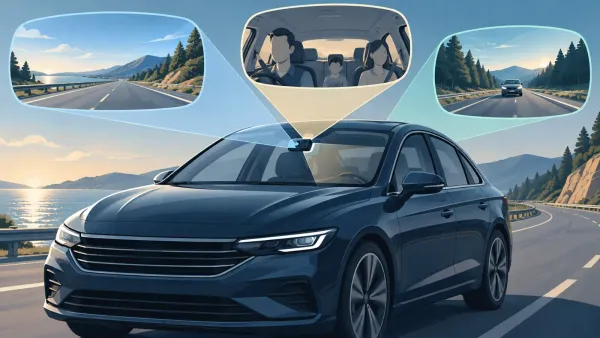
The Vantrue N4 Pro S is the strongest three-channel fit in this shortlist. It records the road ahead, the cabin, and the road behind.
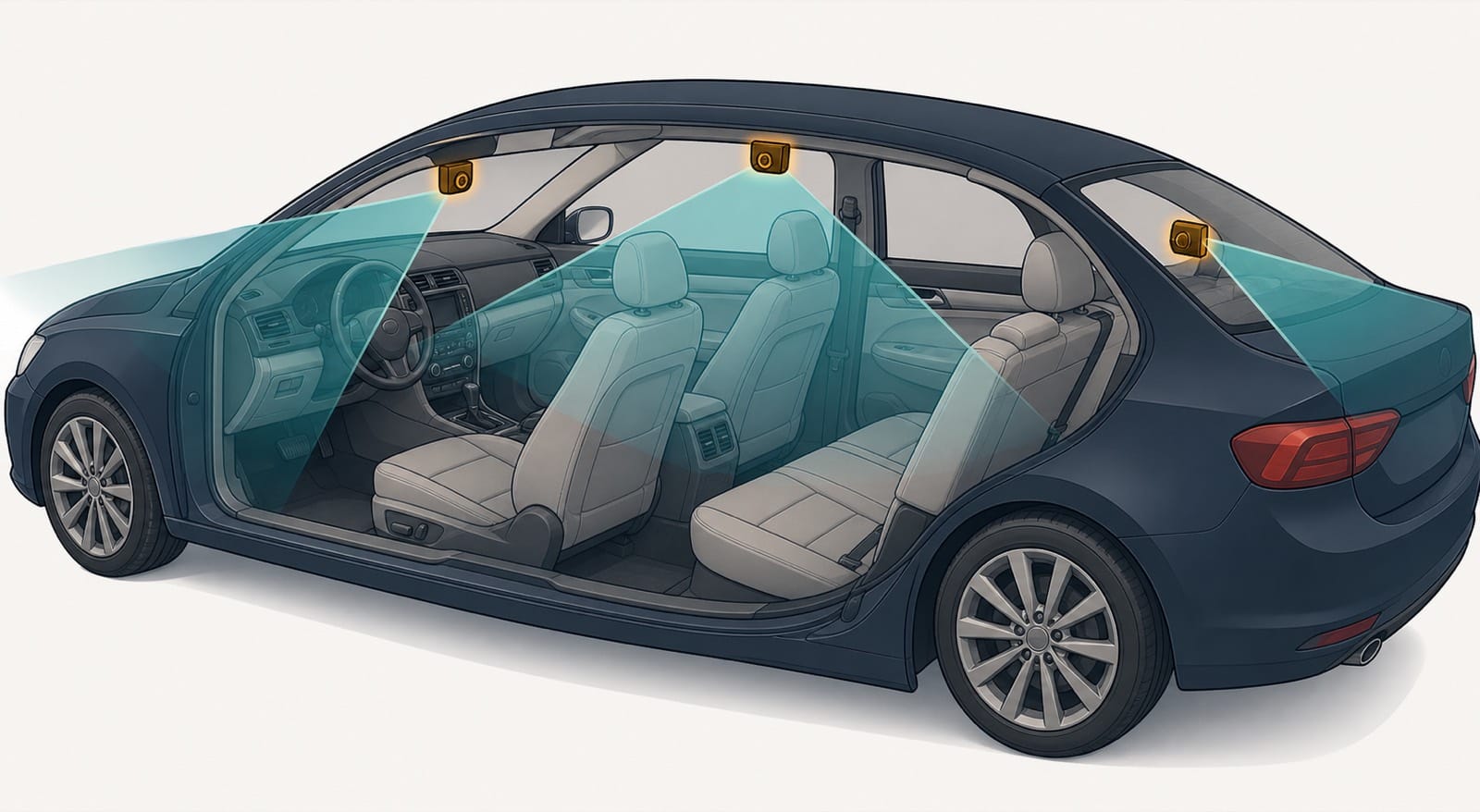
Vantrue lists 4K front, 1080p cabin, and 2.5K rear recording. The system uses three Sony STARVIS 2 sensors and supports cards up to 1 TB.
Cabin coverage can document passenger interactions and activity through side windows. It does not remove blind spots created by pillars, seats, or darkness.
Why three channels require more planning
Three video streams consume more storage than one or two. The front unit, rear camera, and cable also require more installation space.
Parking recording needs the supported hardwire kit. Buyers should confirm the exact bundle because optional accessories may appear in product images.
Customer feedback praised night video, coverage, and installation ease. Other reviews identified thin instructions, hot-weather adhesive problems, and uneven support.
Privacy comes with cabin recording
Cabin video and audio can create notice, consent, retention, and sharing obligations. These rules depend on location and how the vehicle is used.
Do not assume a rideshare platform policy replaces local law. Check current requirements before recording passengers or publishing any clip.
Who should skip it
Skip the N4 Pro S if you never need cabin footage. A two-channel system is easier to install and creates fewer privacy concerns.
How should you compare these five dash cams?
Use the required task as the first filter. Then compare installation, storage, retrieval, and ongoing service.
| Question | Choose this direction |
|---|---|
| Need front and rear without cloud | VIOFO A229 Pro 2CH |
| Need low-power parking monitoring | Thinkware U3000 Pro |
| Need remote live access and alerts | BlackVue DR970X-2CH LTE Plus II |
| Need the smallest front-only camera | Garmin Dash Cam Mini 3 |
| Need front, cabin, and rear coverage | Vantrue N4 Pro S |
Confirm the exact bundle
Product families often have one-channel, two-channel, and three-channel versions. A shared listing may mix photos, reviews, or specifications.
Match the model name, included cameras, power cable, memory card, and region. Keep the order confirmation with your setup records.
Plan power before parking mode
A menu option cannot supply power after the vehicle turns off. Confirm the supported hardwire, OBD-II, or constant-power accessory.
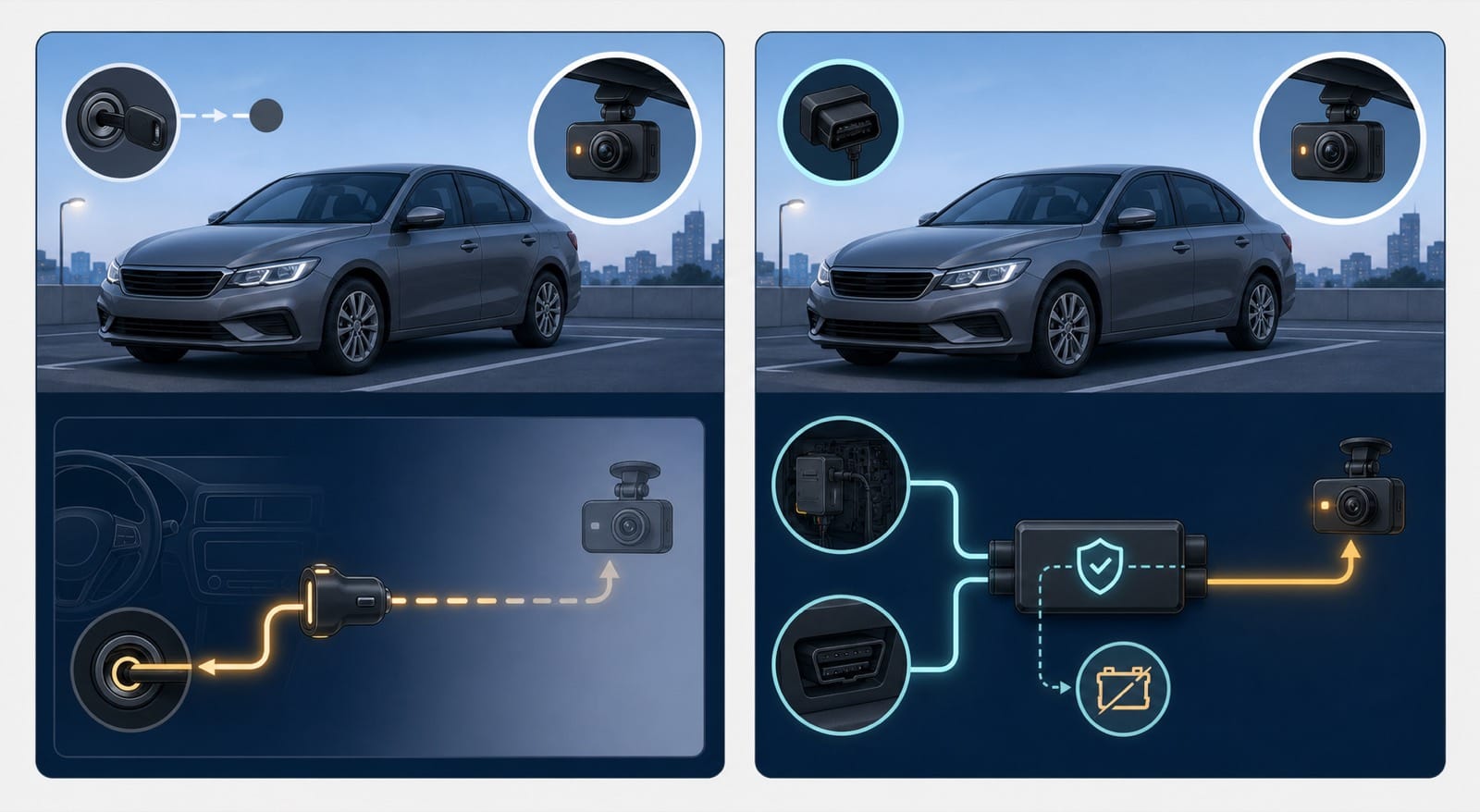
Use documented voltage protection and installation instructions. A general guide cannot approve a fuse choice or wiring route for your vehicle.
Treat storage as a maintenance item
Use a card that meets the manufacturer's type, capacity, and speed requirements. High-resolution, multi-channel recording increases write demand.
Check recordings periodically and preserve important files elsewhere. Loop recording can overwrite old footage when the card fills.
Rehearse footage retrieval
Practice finding, saving, and exporting a harmless clip. Do this before an incident creates urgency.
Know the backup method if the app fails. Direct card access can remain valuable even on a connected camera.
What are the limits of this shortlist?
This article compares documented capabilities, ownership requirements, current listings, and customer-feedback themes. It does not compare controlled sample footage from DashCamPilot.
Manufacturer claims do not prove equal performance across vehicles, weather, lighting, and settings. Retail reviews can also mix incentives, versions, and owner expectations.
Specifications, apps, subscriptions, and firmware can change. Confirm the exact model's current documentation before purchase or installation.
We excluded prices because temporary offers age quickly. DashCamPilot has no enabled affiliate program, so this article contains no affiliate links.
Which dash cam should you choose?
Choose the VIOFO A229 Pro 2CH for balanced front and rear coverage without cloud dependencies. It is the default fit for most drivers here.
Choose the Thinkware U3000 Pro when parked monitoring is the main goal. Choose BlackVue when remote access is genuinely essential.
The Garmin Mini 3 suits a discreet front-only installation. The Vantrue N4 Pro S suits drivers who need cabin evidence.
The right choice should solve one defined problem with acceptable maintenance. Extra features are valuable only when you will install and use them.